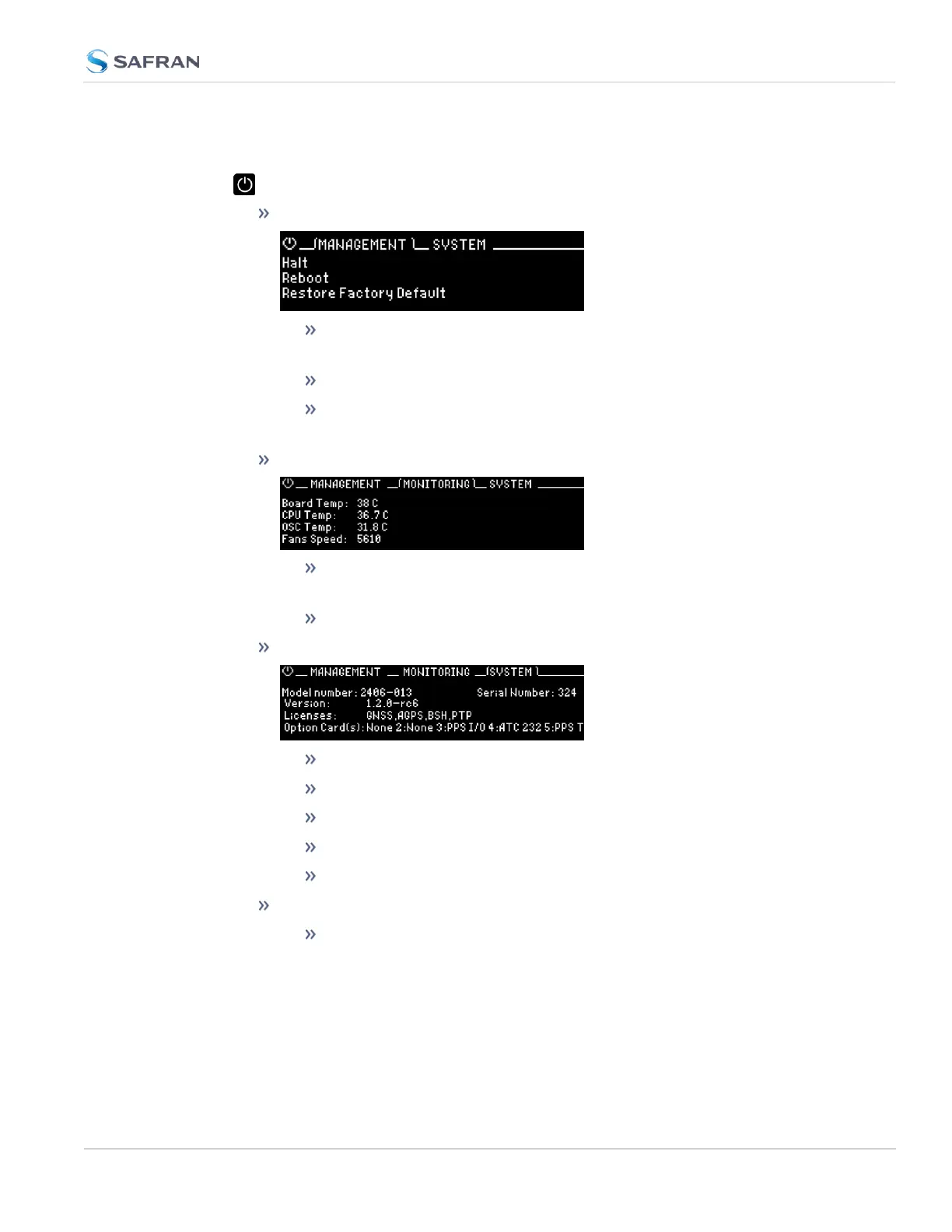
The main menu options and their functions are as follows:
Power Menu:
Management
halt the unit (see "Issuing the HALT Command Before Removing
Power" on page261)
reboot the unit (see "Rebooting the System" on page262)
restore the factory defaults (see "Resetting the Unit to Factory Con-
figuration" on page345)
Monitoring
view the temperature status: Board Temp, CPU Temp, and OSC (oscil-
lator) Temp
view the Fan(s) Speed
System
view model number
view serial number
view software version
view licenses
view a rolling ribbon of option cards installed
Hot Swap
this sub menu will only be available if you have a Hot Swap Power
Supply configuration. See "Hot Swap Power Supply" on page56 for
more information.
1.3 SecureSync Front Panel
CHAPTER 1 • SecureSync 2400 User Manual Rev. 5.2
9



 To Next Page