1.
Navigate to MANAGEMENT> OTHER: Notifications.
2.
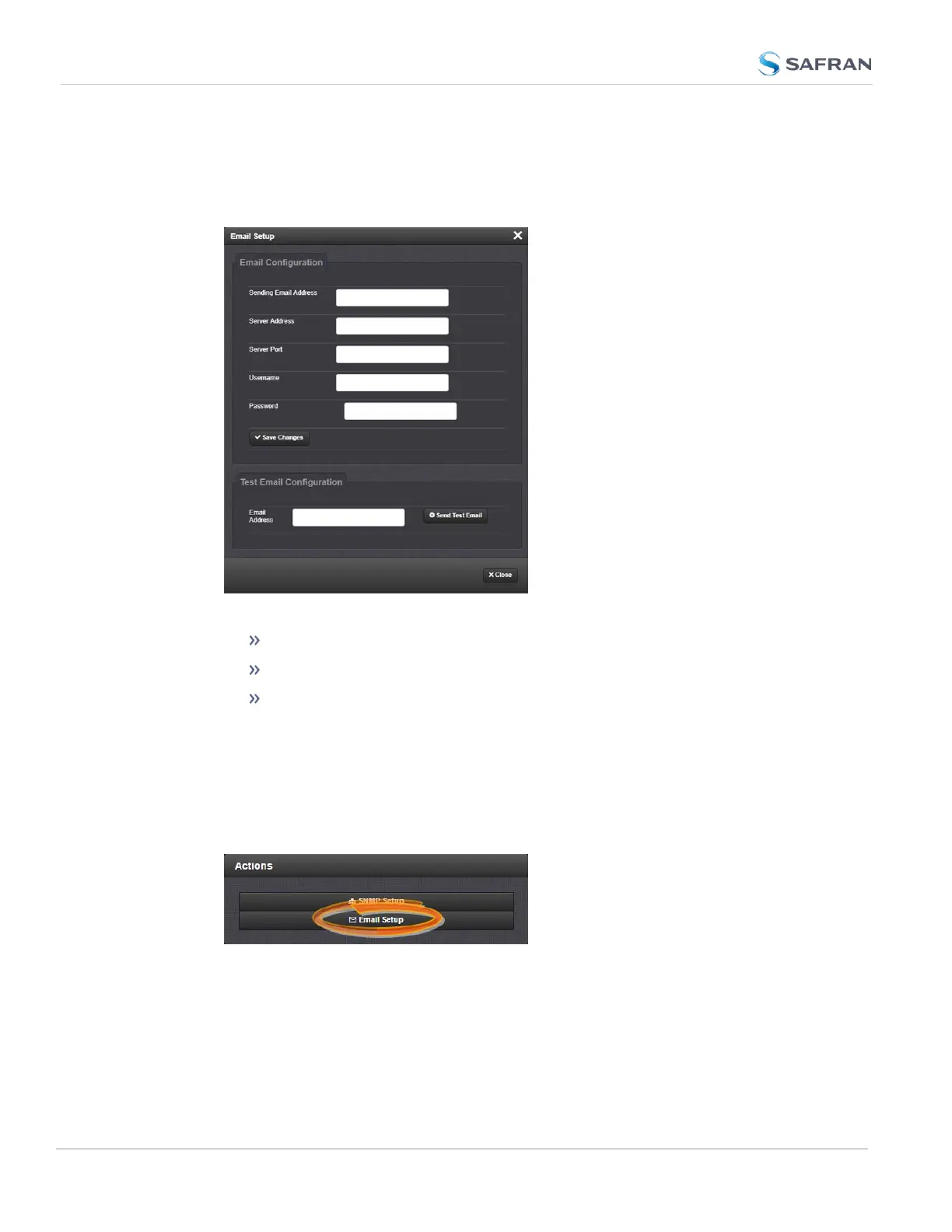
In the Email Setup panel, click on the gear icon
3. Enter your email information in the popup window
4. To test your settings:
In the Test Email Address field, enter an email address.
Click the Send Test Email button.
A notification that your email has been sent will appear at the top of
the window.
To set up Notification Emails (Expert Mode):
1.
Navigate to MANAGEMENT> OTHER: Notifications.
2.
In the Actions panel of the Notifications screen, toggle Expert Mode to ON
and click the * Email Setup gear.
270
CHAPTER 4 • SecureSync 2400 User Manual Rev. 5.2
4.2 Notifications



 To Next Page