3.
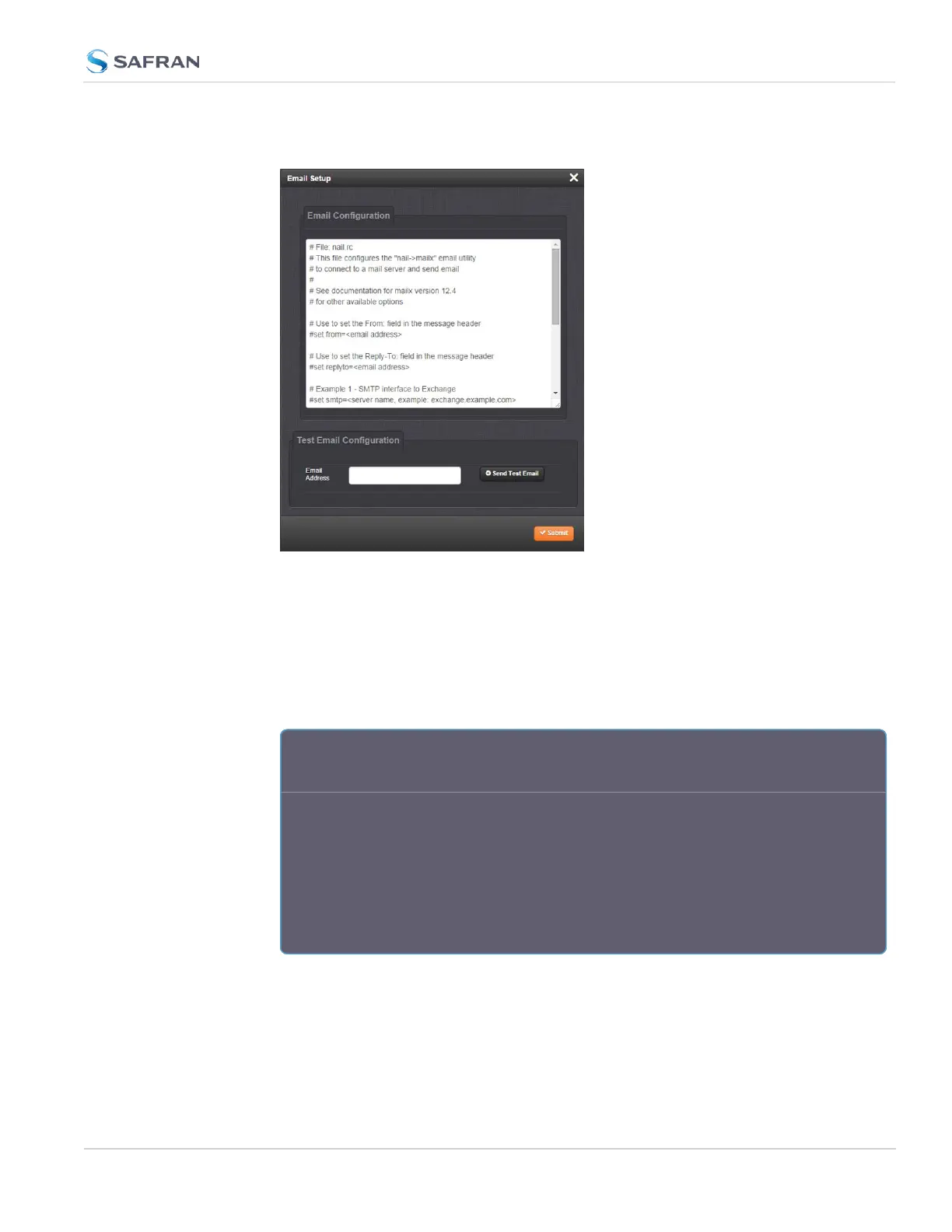
The Email Setup window will display:
The Email Configuration box provides two example configuration files.
One is for interfacing SecureSync with an Email Exchange server; and the
other is for sending emails via Gmail:
4. To configure the applicable example email configuration, delete the com-
ments (“#”) from each line and replace the “<>” with the appropriate values
for your particular email server (such as the user name and password for
your Email server).
E x a m p l e I : S M T P i n t e r f a c e t o M S
E x c h a n g e
set smtp=outlook.office365.com
set smtp-auth-user=john.doe@nav-timing.safrangroup.com>
set from="john.doe@nav-timing.safrangroup.com"
set smtp-auth-password=PASSWORD
set smtp-auth=login
set ssl-verify=ignore
set smtp-use-starttls
4.2 Notifications
CHAPTER 4 • SecureSync 2400 User Manual Rev. 5.2
271



 To Next Page