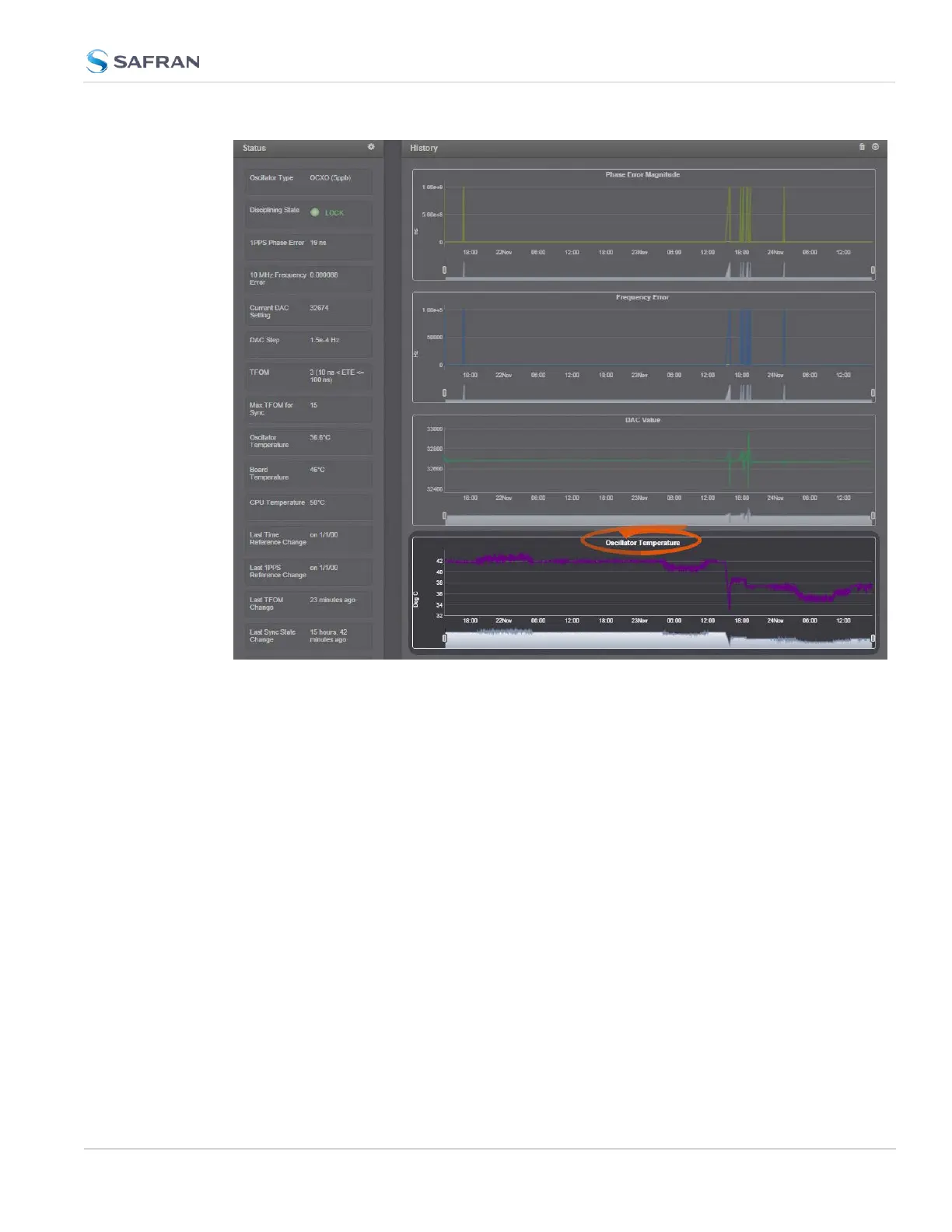
Temperature readings are subject to environmental conditions and hardware con-
figuration e.g., oscillator type. Under normal operating conditions, all tem-
peratures should remain fairly constant. Drastic changes may indicate e.g., a
problem with the fan. Note that the oscillator temperature will have a direct
impact on its accuracy, i.e. there is a strong correlation between disciplining per-
formance and oscillator temperature.
Setting Temperature Monitoring Alarms
Navigate to MANAGEMENT > OTHER: Notifications. In the Events panel, select
the System tab:
4.5 Quality Management
CHAPTER 4 • SecureSync 2400 User Manual Rev. 5.2
325



 To Next Page