Note: If you have only one input or output of any type,
SecureSync will number that input or output 0. Additional
inputs or outputs will be numbered 1 or above.
2.
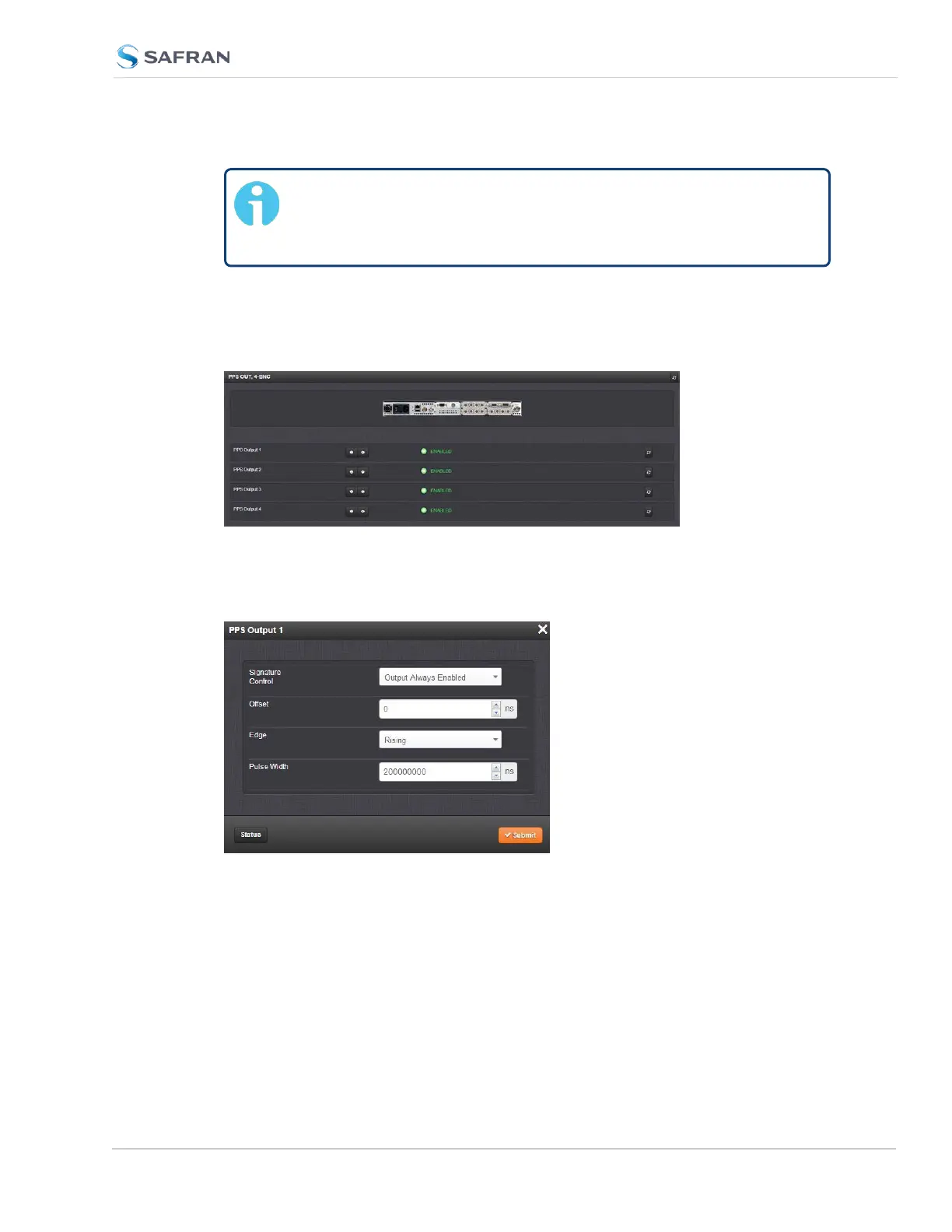
Navigate to the INTERFACES > OPTION CARDS drop-down menu, and
click the list entry of the option card identified above. The option card’s
Status Summary panel opens:
3. Click on the GEAR button next to the input or output you wish to configure
(as verified in Step1 of this procedure). The Edit window of the input or out-
put opens:
4. Information about the configurable settings can be found in the cor-
responding option card section, see "Option cards listed by their ID num-
ber" on page21.
SecureSync 2400 User Manual 365
APPENDIX



 To Next Page