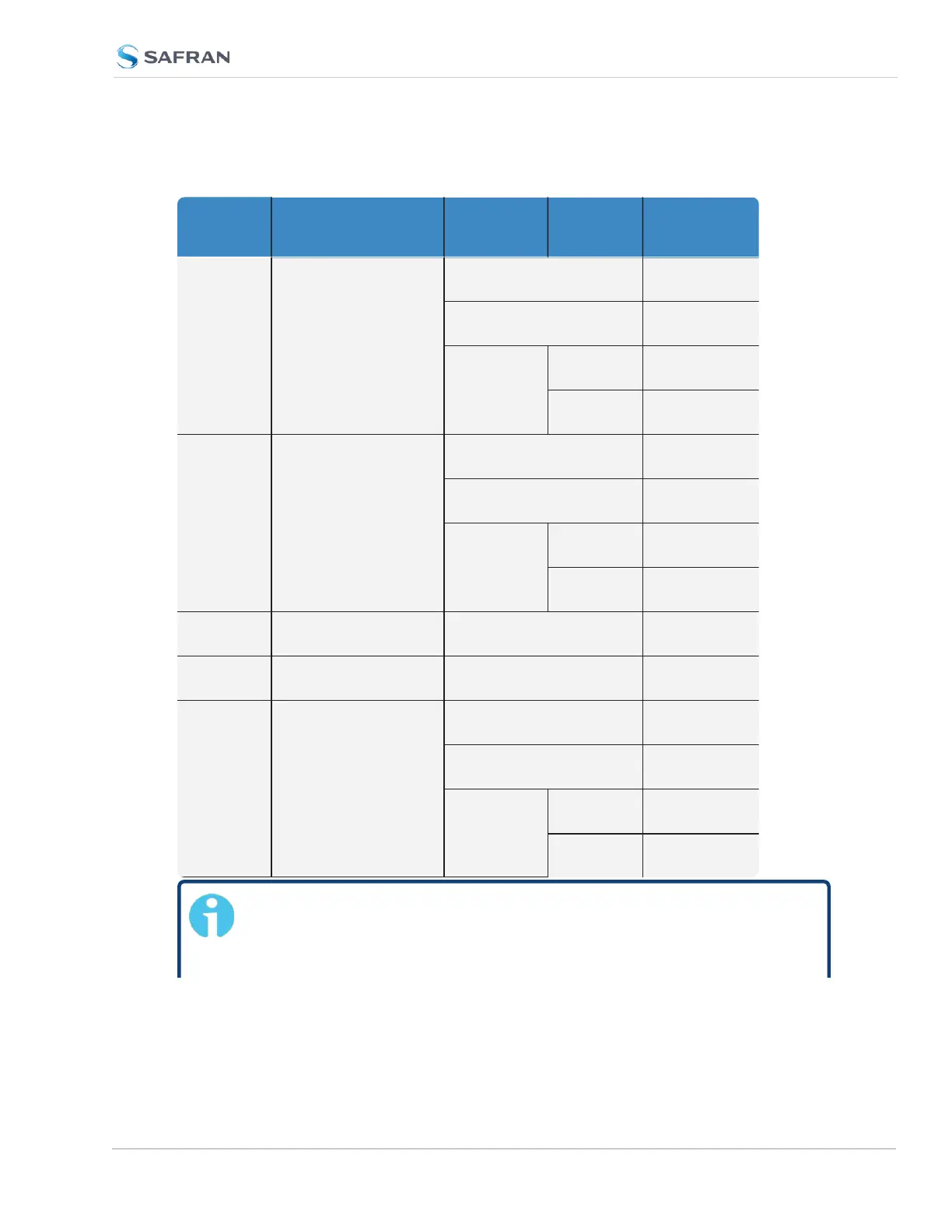
Part No.
Option
Card
Card Function
Installation
Location
Bottom
Slot
PROCEDURE
STEPS [x]
1204-
08
1204-
26
1204-
1C
1204-
0C
Frequency output Slot 1 or 2 (1), 2, 3, 4, 8, 11,
(12)
Slot 3 or 5 (1), 2, 3, 5, 8, 11,
(12)
Slot 4 or 6 empty (1), 2, 3, 6, 8, 11,
(12)
populated (1), 2, 3, 7, 8, 11,
(12)
1204-
0F
Alarm relay Slot 1 or 2 (1), 2, 3, 4, 9, 11,
(12)
Slot 3 or 5 (1), 2, 3, 5, 9, 11,
(12)
Slot 4 or 6 empty (1), 2, 3, 6, 9, 11,
(12)
populated (1), 2, 3, 7, 9, 11,
(12)
1204-
1F
NENA-Compliant Slots 1 & 2 (1), 2, 3, 4, 10, 11,
(12)
1204-
49
1204-
4A
Gb Ethernet and NTP
Networking
Slot 1 or 2 (1), 2, 3, 4, 11,
(12)
All other
Part No.'s
(miscellaneous) Slot 1 or 2 (1), 2, 3, 4, 11,
(12)
Slot 3 or 5 (1), 2, 3, 5, 11,
(12)
Slot 4 or 6 empty (1), 2, 3, 6, 11,
(12)
populated (1), 2, 3, 7, 11,
(12)


 To Next Page