Pin No. Function
5 HAVE QUICK Output 2 -
6 HAVE QUICK Output 3 +
7 HAVE QUICK Output 3 -
8 GND
9 HAVE QUICK Output 4 +
10 HAVE QUICK Output 4 -
Table 5-21: 1204-1B terminal block pin-out
HAVE QUICK Output: Viewing Signal State
To quickly view if a HAVE QUICK Output is enabled or disabled, go to the option
card’s Status Summary panel. For instructions, see: "Viewing an Input/Output Sig-
nal State" on page366.
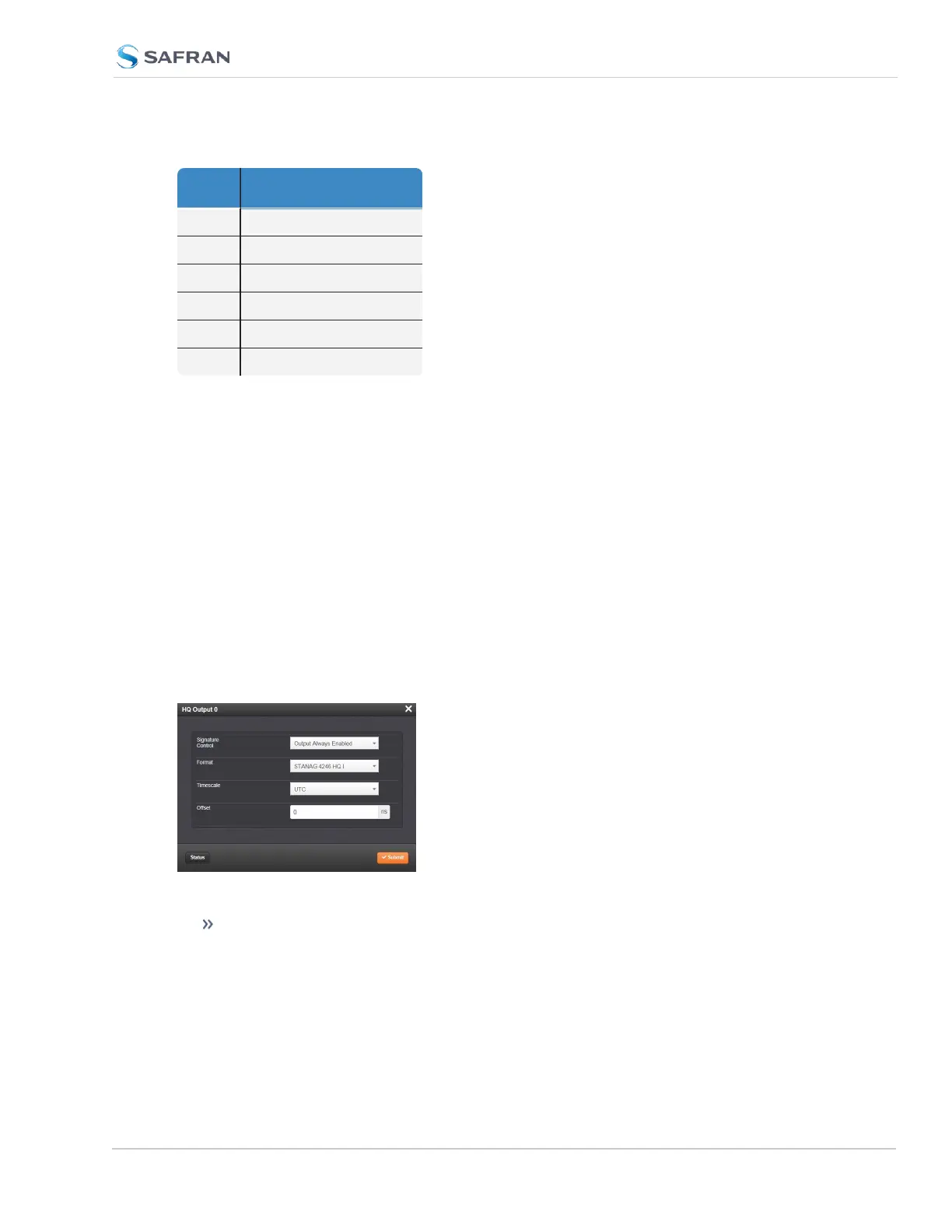
HAVE QUICK Output: Edit Window
To configure a HAVE QUICK Output, go to its Edit window. For instructions, see:
"Configuring Option Card Inputs/Outputs" on page364.
The Web UI list entries for this card are: HAVE QUICK out, BNC and HAVE
QUICK Out, RS-485.
The outputs are named: HQ Output [number].
The Edit window allows the configuration of the following settings:
Signature Control: Signature Control is used to control when the HAVE
QUICK modulation is present;see also "Signature Control" on page183.
SecureSync 2400 User Manual 473
APPENDIX



 To Next Page