Signature Control: Indicates whether Signature Control is enabled (Sig-
nature Control determines when the ASCII data stream will be enabled to
be present). See also: "Signature Control" on page183.
Format 1: Indicates the configured format of the ASCII time code input data
stream.
Format 2: Indicates the configured format of the second consecutive ASCII
time code input data stream.
Format 3: Indicates the configured format of the third consecutive ASCII
time code input data stream.
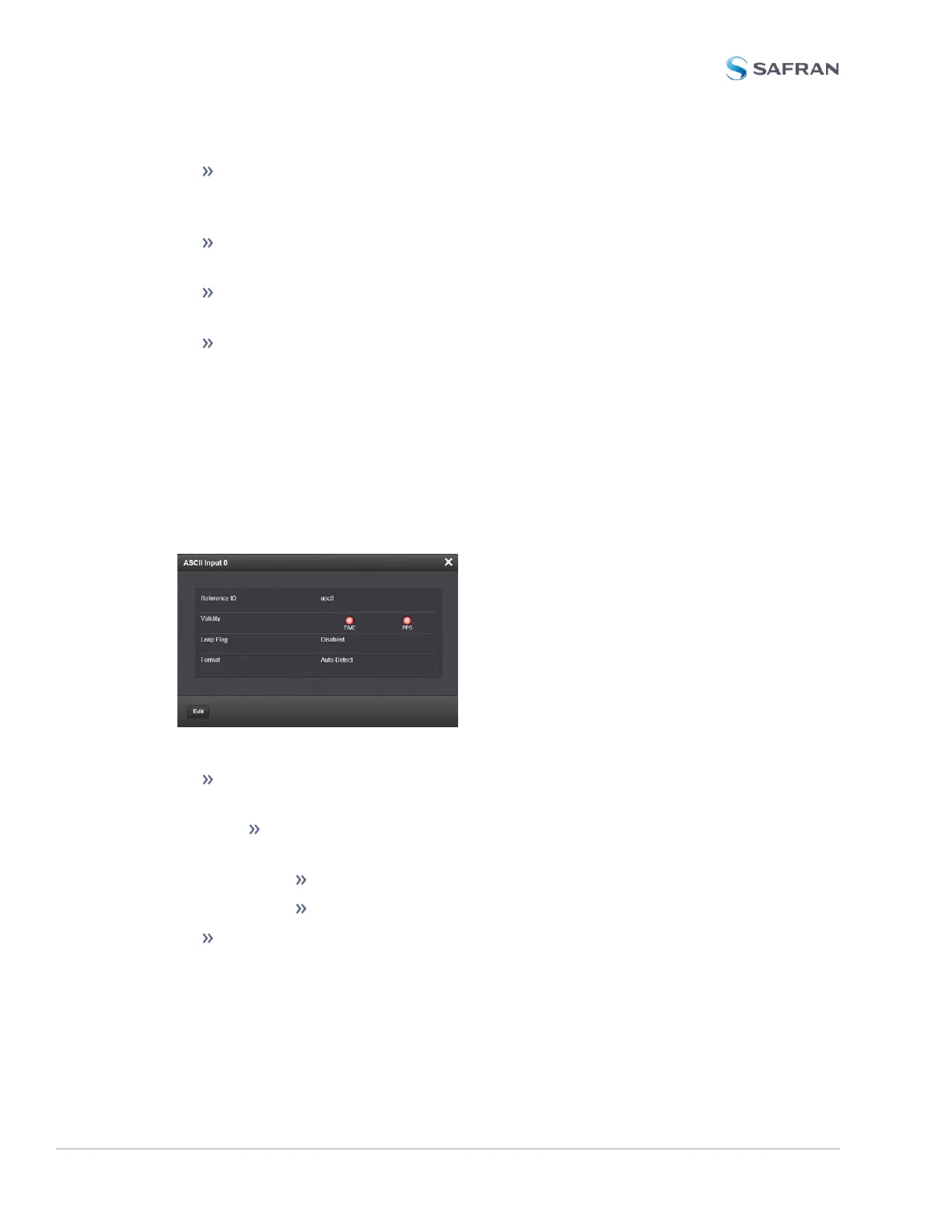
ASCII Time Code Input: Status Window
To view the current settings of the ASCII Input (also referred to as ‘Reference’),
go to its Status window. For instructions, see: "Viewing Input/Output Con-
figuration Settings" on page363.
The Web UI list entries for this card are: ASCII TIMECODE RS-232 and ASCII
TIMECODE RS-485.
The Status window displays the following settings:
Reference ID: Indicates the letters used in the Input Reference Priority
table for this particular input reference.
Validity: Indicates whether the ASCII input data is present and con-
sidered valid for Time and 1PPS references.
A green light indicates a valid reference.
An orange light indicates the reference is not considered valid.
Leap Flag: Displays whether the incoming data stream is indicating that a
pending leap second is to be added to the UTC timescale at the end of the
month. See "Leap Seconds" on page196.
494 SecureSync 2400 User Manual
APPENDIX



 To Next Page