If GPS or TAI time is used, then the proper timescale offsets must be set on
the MANAGEMENT/OTHER/Time Management page. (See "The Time Man-
agement Screen" on page186 for more information on how to configure
and read the System Time). Local timescale allows a Local Clock to apply a
time offset for Time Zone and DST correction.
A Local Clock can be set up through the Time Management page:
This option will appear under the name of the local clock you have set
up. See for more information. Local timescale allows a Local Clock to
apply a time offset for Time Zone and DST correction.
The incoming input time information may be provided as local time,
but System Time may be configured as UTC time, so internal com-
putations need to be performed. With the Timescale field set to
“Local”, select the name of a previously created Local Clock. The Time
Zone and DST rules, as configured in the Local Clock will be applied
to the front panel time display. See for more information on Local
Clocks.
Baud Rate: Determines the speed at which the output port will operate.
Data Bits: Defines the number of Data Bits for the output port.
Parity: Configures the parity checking of the output port.
Stop Bits: Defines the number of Stop Bits for the output.
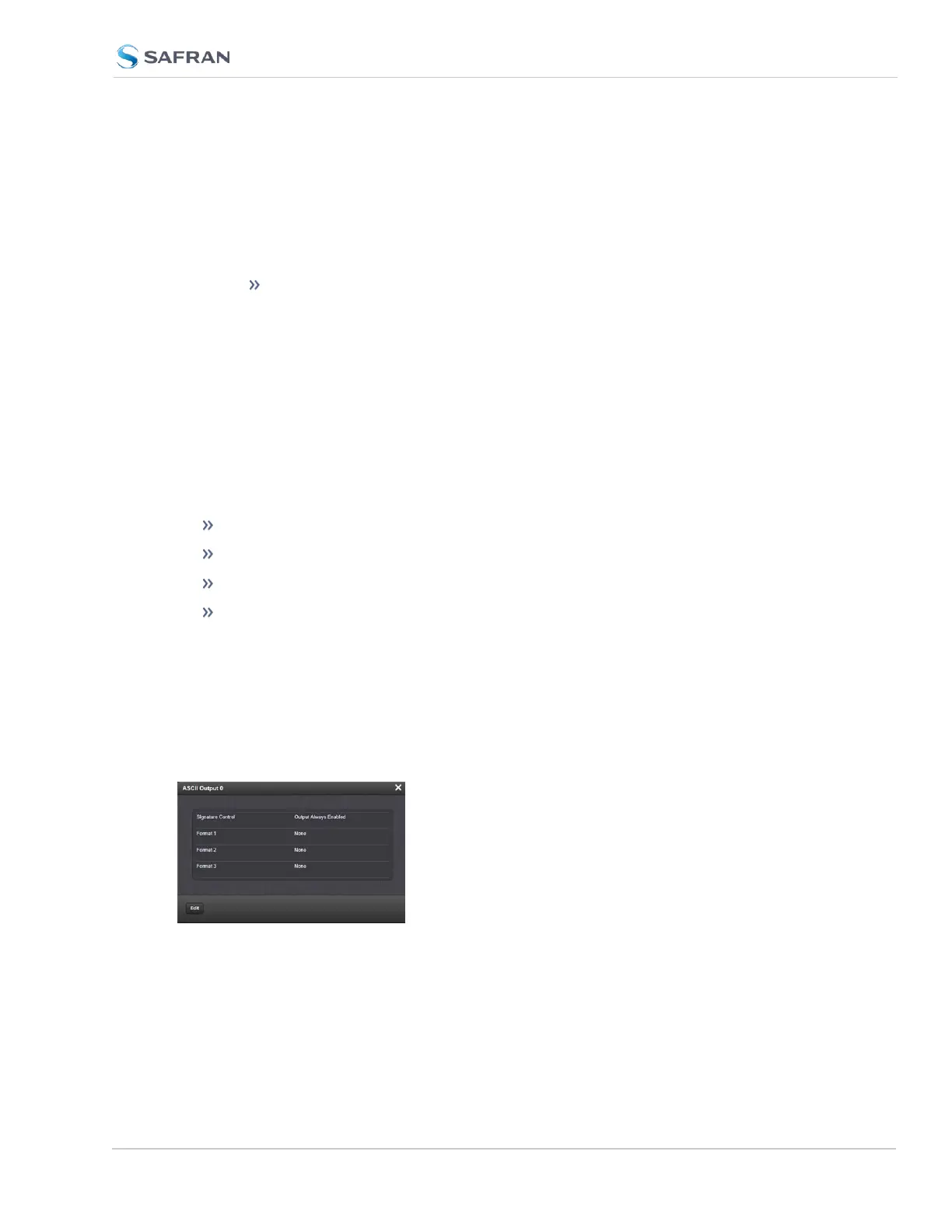
ASCII Time Code Output: Status Window
To view the current settings of the ASCII Output, go to its Status window. For
instructions, see: "Viewing Input/Output Configuration Settings" on page363.
The Web UI list entries for this card are: ASCII TIMECODE RS-232 and ASCII
TIMECODE RS-485.
The Status window displays the following settings:
SecureSync 2400 User Manual 493
APPENDIX



 To Next Page