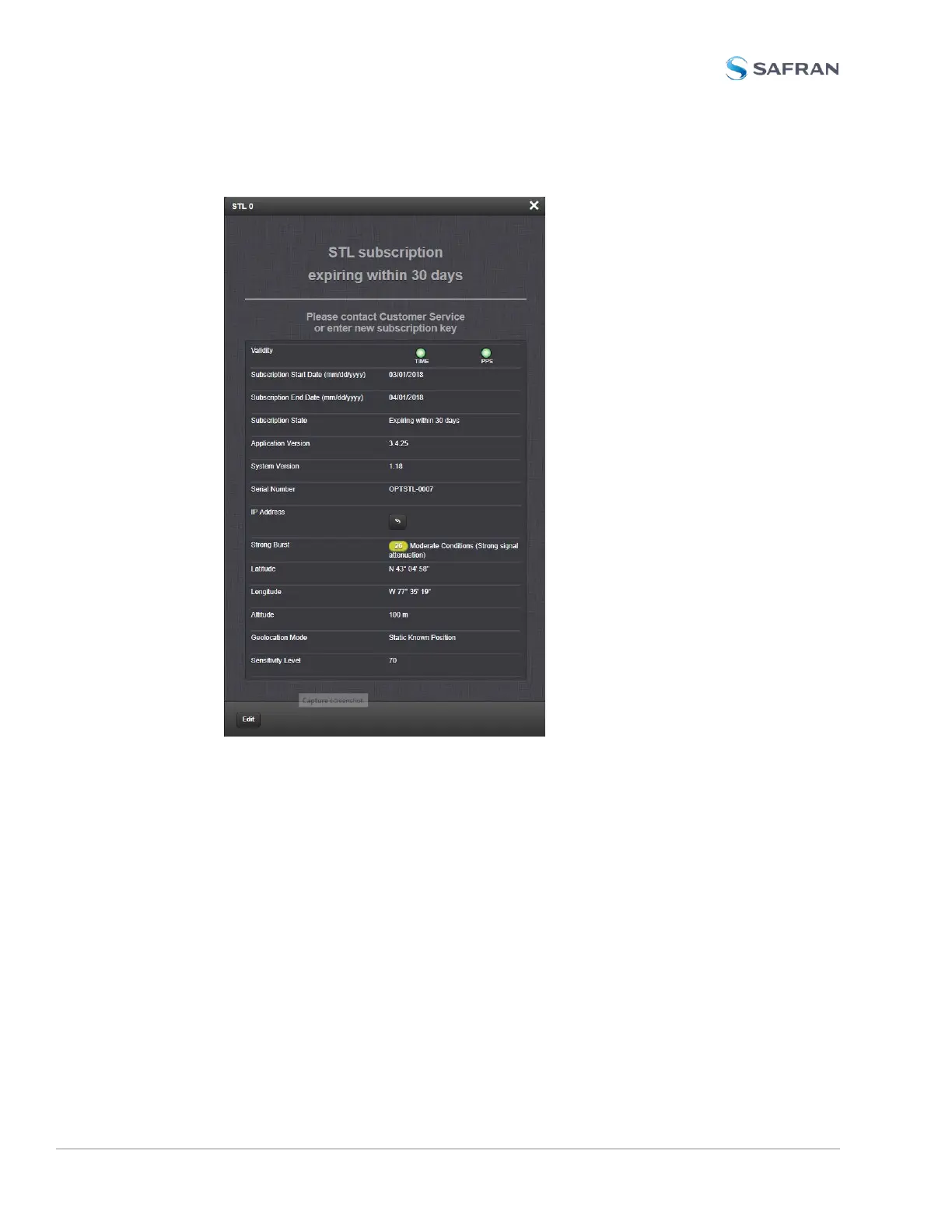
will open:
Besides STL system data, the window also displays STL validity and the sub-
scription status. For a description of the other parameters, see "Configuring STL
Settings" on page520.
Subscription status reminder banner: Lists your current subscription state.
Validity – TIME: Should always be green; if red, the -3E card is not installed cor-
rectly, or there is a defect; – PPS: If green, indicates the STL receiver is sending a
PPS signal to SecureSync.
Subscription Start Date, End Date: Day the STL subscription began and will end.
Application Version, System Version: Receiver software versions.
524 SecureSync 2400 User Manual
APPENDIX



 To Next Page