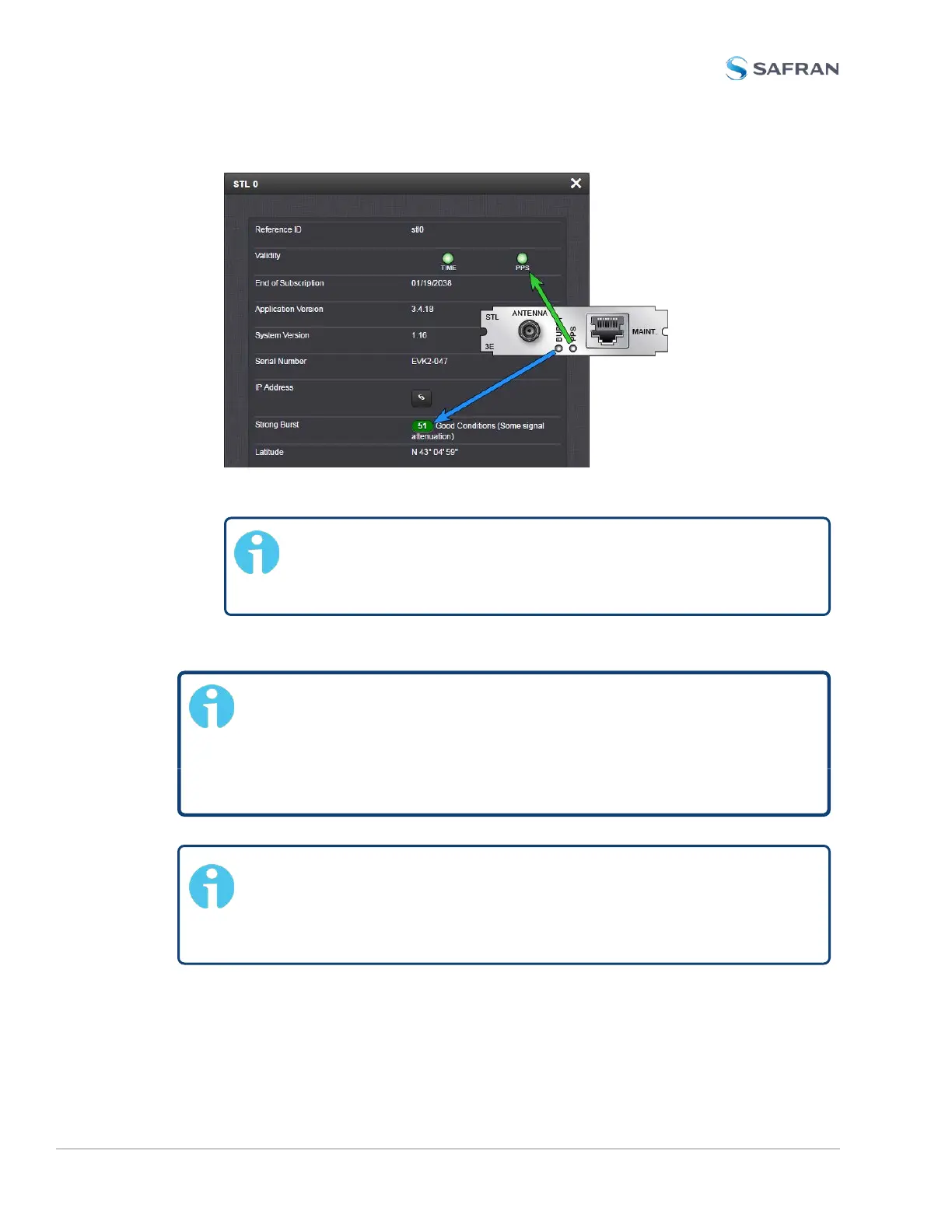
6. Proceed with the SW configuration of the STL settings, as described below.
Note: The RJ-45 MAINT. connector will not be needed for the
STL configuration. Use this connector only if so requested by
Safran Service personnel.
Configuring STL Settings
Note: If you do not yet have a subscription key, you will need to
obtain one before continuing with installation. Please contact Safran
customer service:
stlsubscription@nav-timing.safrangroup.com
US: +1 585 321 5800; France: +33 (0)1 64 53 3980
Note: During the initial installation of a unit equipped with an STL
card, the exact geographic position needs to be entered into the
Web UI (see below). Should the unit be relocated at a later point in
time, the position must be changed accordingly.
520 SecureSync 2400 User Manual
APPENDIX



 To Next Page