Note: The Timescale of the input (as configured in the time source)
must be set correctly, especially if other input references are enabled.
Failure to configure the Timescale of the ASCII input correctly could
result in time jumps occurring in the System Time when input ref-
erence changes occur. These time jumps could affect NTP and nor-
mal operation of the system.
Request character: This field defines the character that SecureSync needs
to receive in order for a message to be provided when in “Request” mode.
This field will only appear if the Output Mode is set as “Request Broadcast.”
Baud Rate: The speed that the output port will operate at.
Data Bits: The number of Data Bits for the output port.
Parity: The parity checking of the output port.
Stop Bits: The number of Stop Bits for the output.
Event Broadcast Input: Edit Window
To configure the Event Broadcast Input (also referred to as ‘Reference’), go to
its Edit window. For instructions, see: "Configuring Option Card Inputs/Outputs"
on page364.
The Web UI list entry for this card is: Event Broadcast.
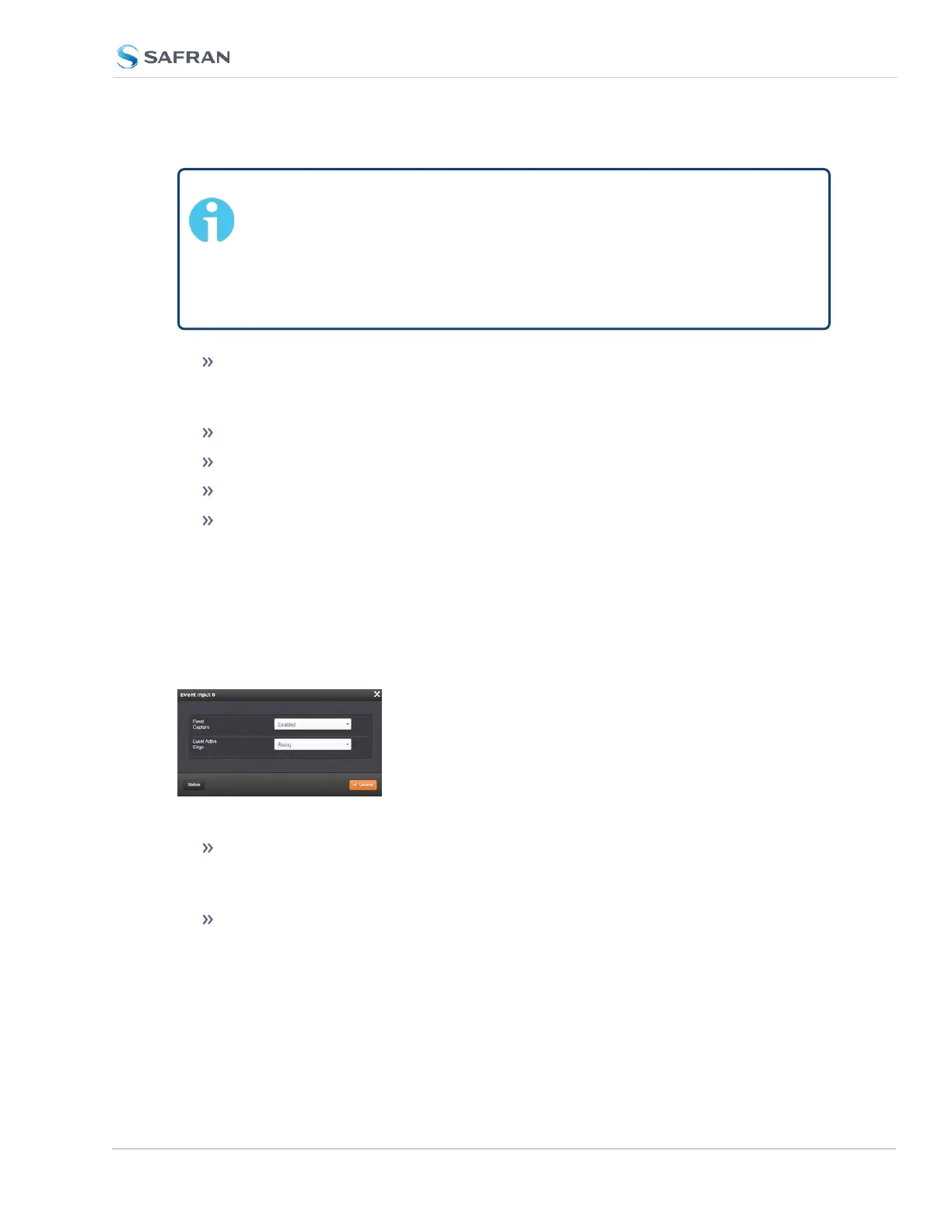
The Status window displays the following settings:
Event Capture: Enables the processing of events on the Event Input port
J2. When set to “Disabled”, no event messages will be queued. When set to
“Enabled”, event messages will be triggered (if a valid Format is selected).
Event Active Edge: Selects the signal edge used for triggering events on
Event Input port J2.
SecureSync 2400 User Manual 551
APPENDIX



 To Next Page