Keypad Operation
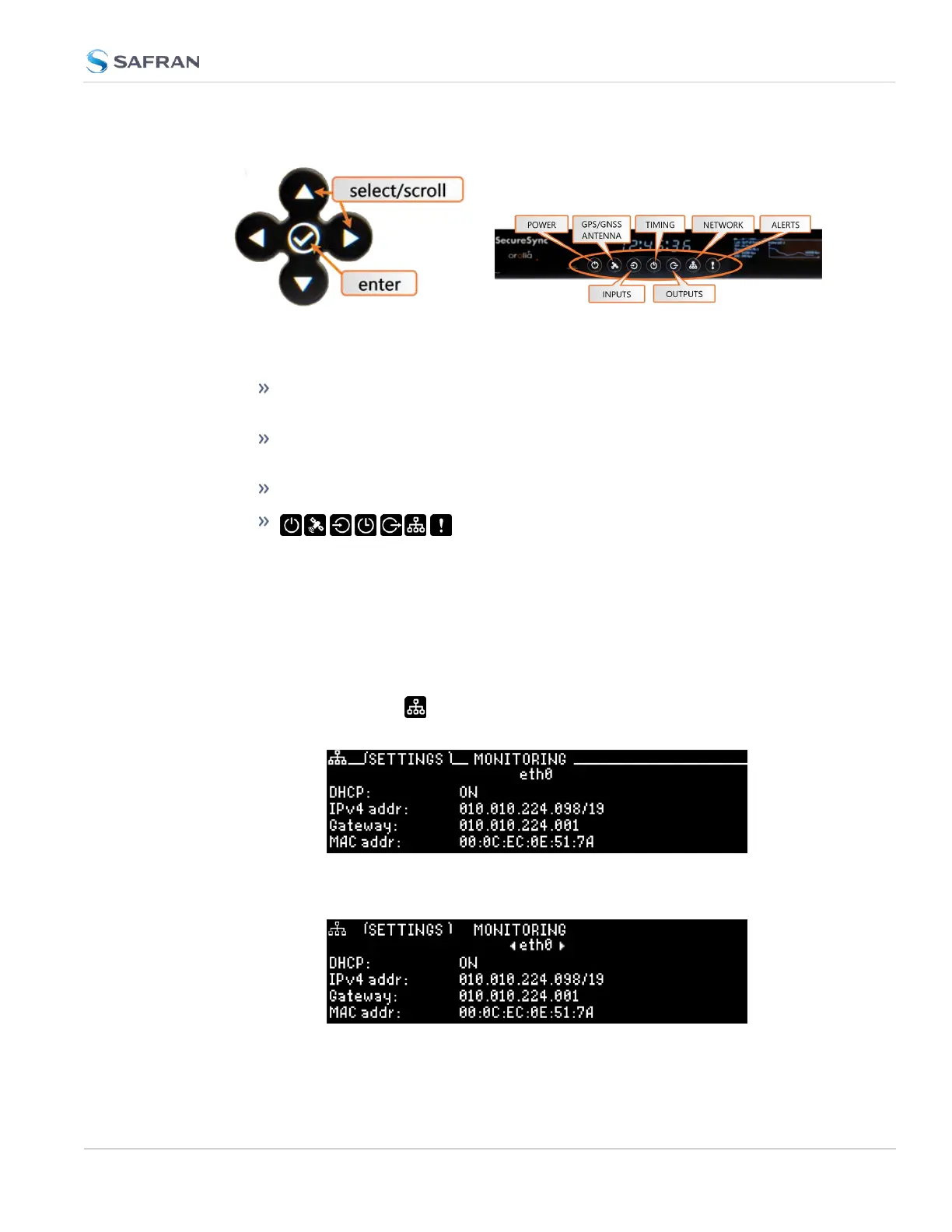
Figure 2-9: Front panel keypad and menu buttons
The functions of the keys are:
◀▶▲ ▼ arrow keys: Navigate to a menu option (will be highlighted); move
the focus on the screen; switch between submenus
▲ ▼ arrow keys: Scroll through parameter values in edit displays; move
the focus on the screen
✓ ENTER key: Select a menu option, or confirm a selection when editing
menu buttons: Press these buttons to navigate to
each of the seven main menus.
Detailed information on the front panel display menus can be found at "Front
Panel Keypad, and Display" on page6
IP configuration, step-by-step instructions:
A.
Disable DHCP:
1.
Press the Network.Menu Button. Ensure that you are on the Set-
tings submenu.
2. Using the arrow key, press down once and press L/R to select the Eth-
ernet interface for which DHCP is to be disabled, such as eth0.
2.12 Setting up an IP Address
CHAPTER 2 • SecureSync 2400 User Manual Rev. 5.2
67



 To Next Page