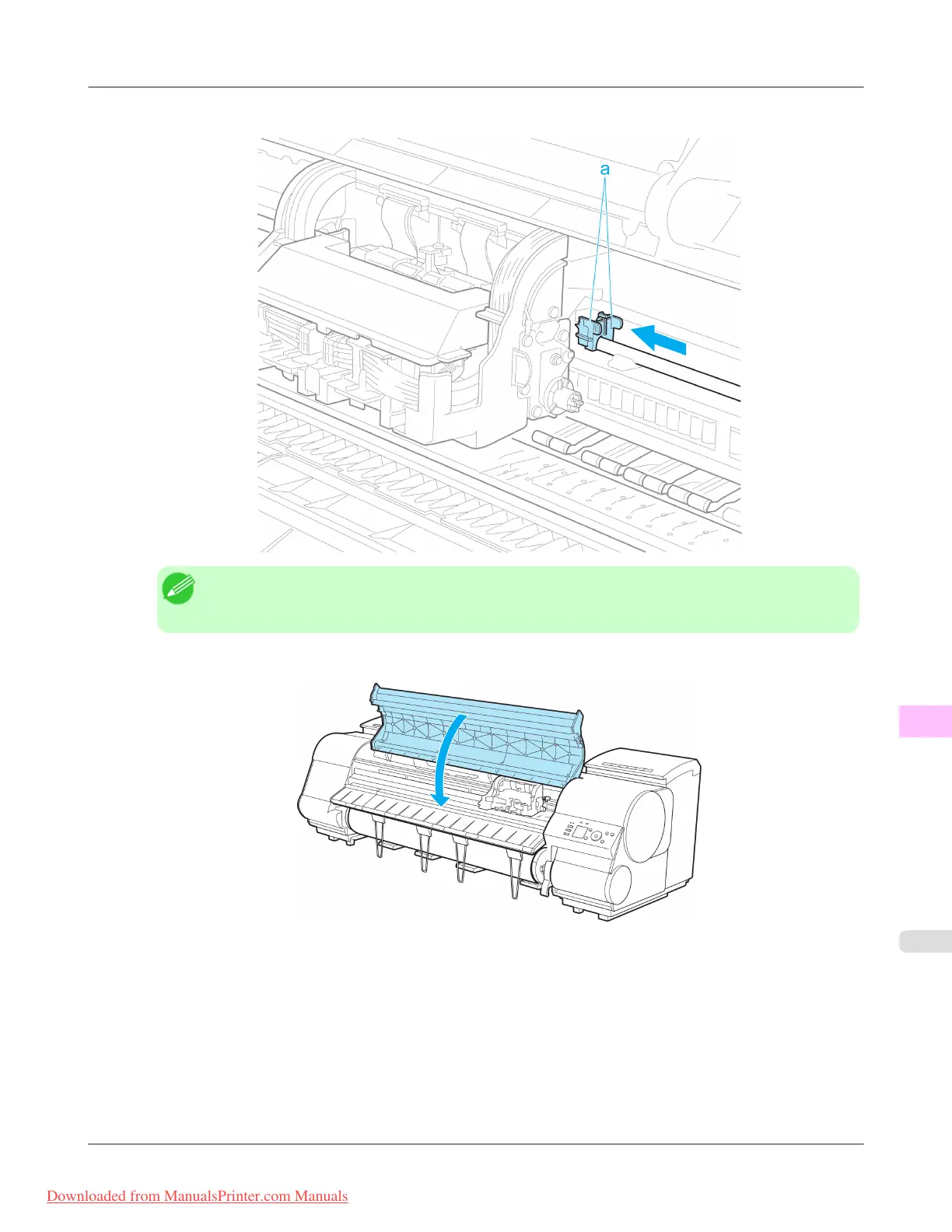
7. Holding the new Shaft Cleaner by the grips (a), attach it to the Carriage.
Note
• Be sure to put the used Shaft Cleaner in the small box before putting it in the larger box with the used
Maintenance Cartridge for disposal.
8. Close the Top Cover.
The Carriage moves back into position.
Maintenance
>
Maintenance Cartridge
>
iPF8300 Replacing the Maintenance Cartridge
11
1023
Downloaded from ManualsPrinter.com Manuals














 To Next Page