Important
• Do not attempt to print or turn the printer off while the program is communicating with the printer.
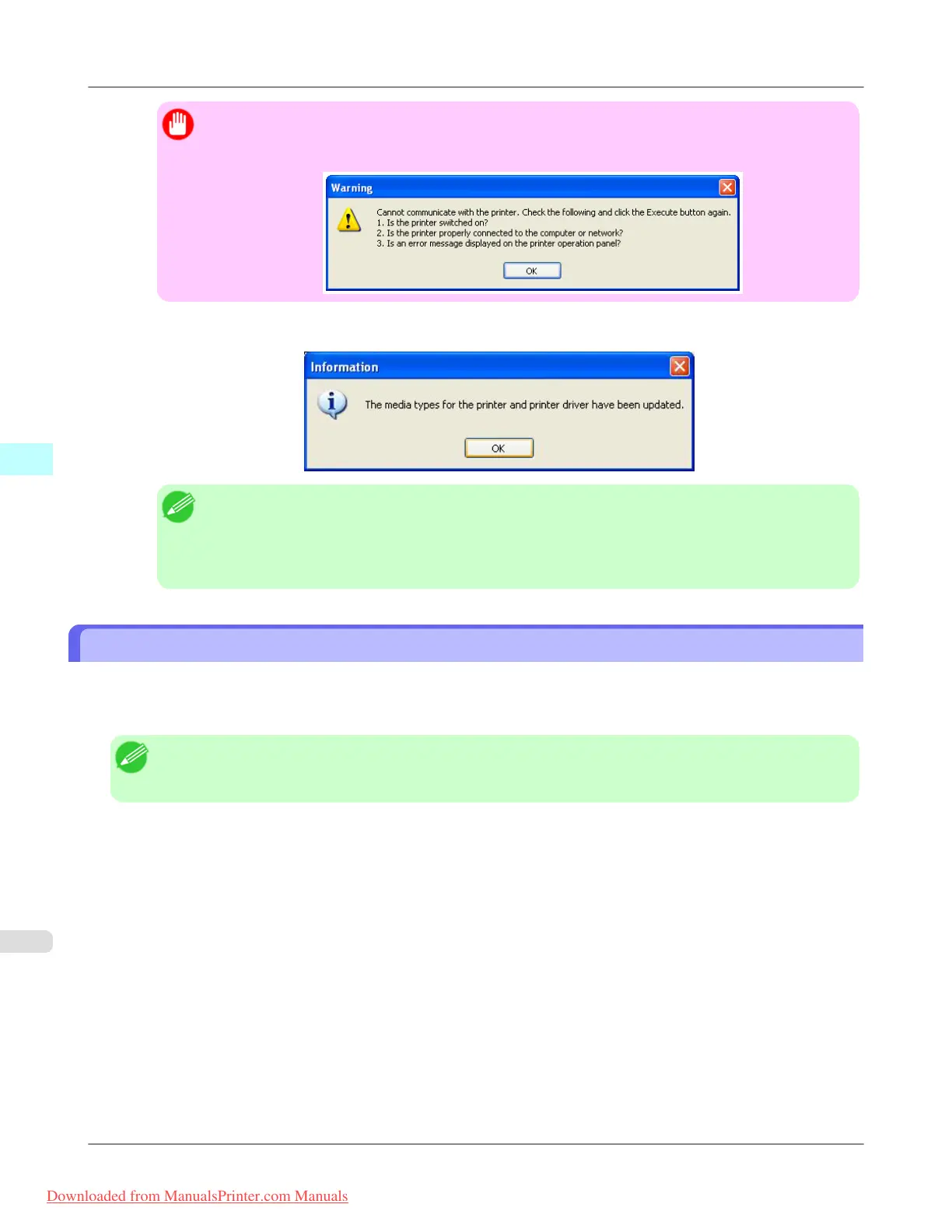
• When the program cannot communicate with the printer, the following warning message is displayed.
5. Click the OK button.
Note
• To apply the same updates to other printers of the same model, click the Add Genuine Paper button
in the main window to open the Edit Media Types dialog box and then click the Update button.
Select the printer that you want to update in Step 1, and update the media information by following
the Update Media Types wizard.
Using Paper Other Than Genuine Paper/Feed Confirmed Paper
When the Add Custom Paper button is clicked in the Media Configuration Tool main window, the Add Custom Paper
dialog box is displayed.
Adding custom paper to the printer control panel and printer driver is performed from this screen.
Note
• Custom paper is paper other than Canon genuine paper and feed confirmed paper (paper that is detailed in the
Paper Reference Guide).
Windows Software
>
Media Configuration Tool
>
Using Paper Other Than Genuine Paper/Feed Confirmed Paper iPF8300
4
458
Downloaded from ManualsPrinter.com Manuals














 To Next Page