Note
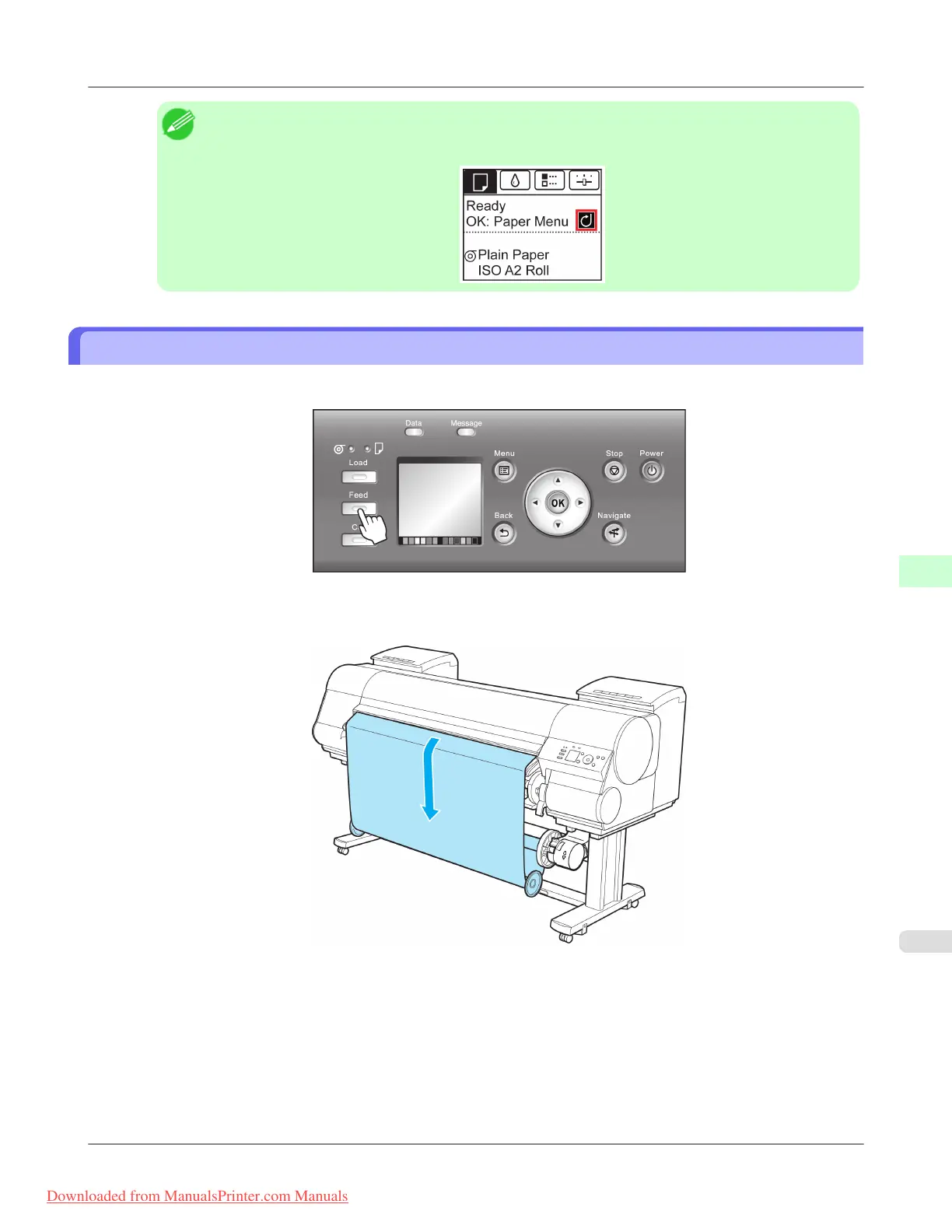
• When the media take-up unit is in use, an icon indicating the take-up mode is shown on the Display
Screen.
Removing Printed Documents from the Media Take-up Unit (Optional)
1. Press the Feed button.
2. Hold down the ▼ button to advance the roll a little.
To protect the paper that has been rewound, advance it an amount longer than the outer circumference.
Handling Paper
>
Media take-up unit
>
iPF8300 Removing Printed Documents from the Media Take-up Unit (Optional)
7
831
Downloaded from ManualsPrinter.com Manuals














 To Next Page