Output Method Button
Click the button to open the Output Method dialog box.
In this dialog box, you can specify the object output method.
Note
• To print after saving jobs in the temporary storage space, select Save data before printing.
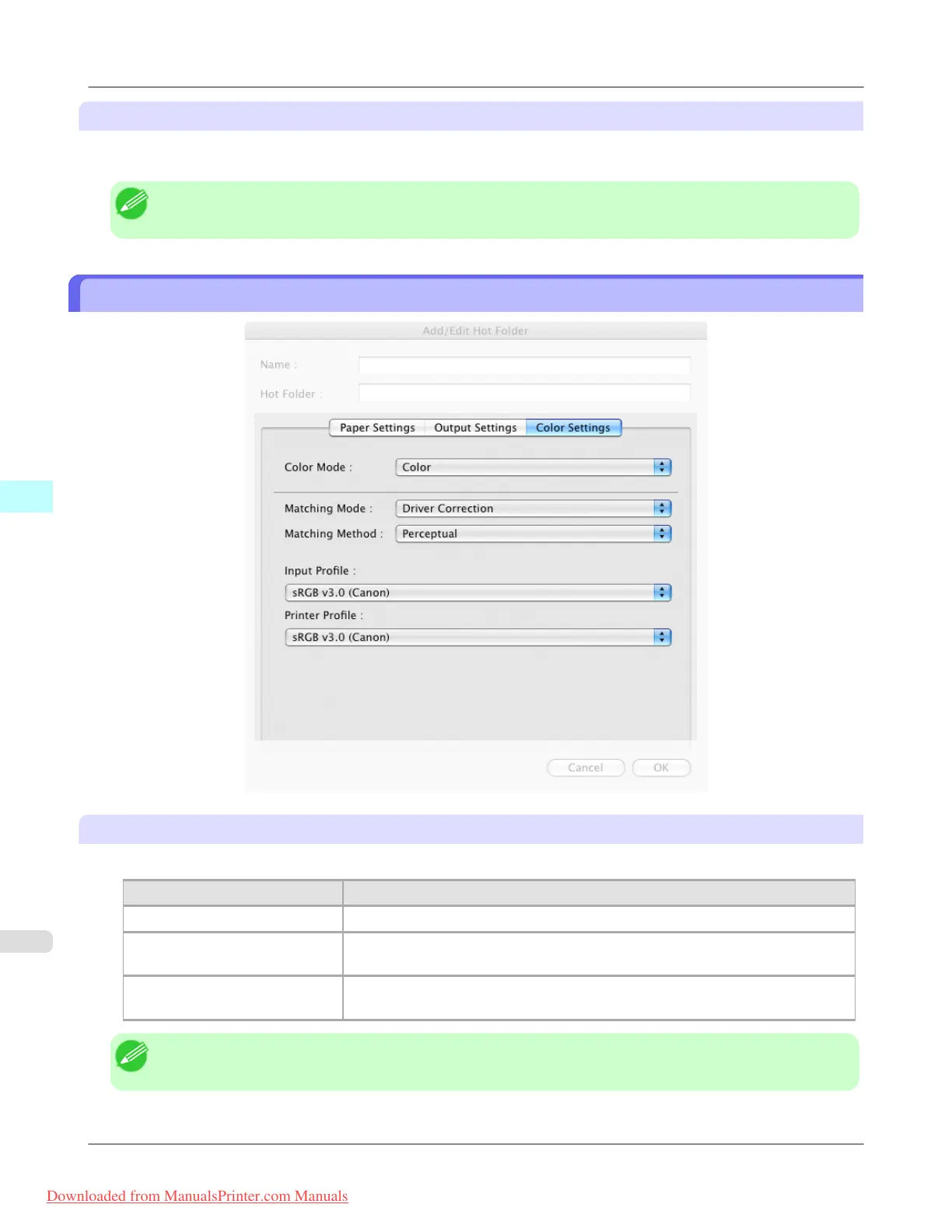
Color Settings Panel
Color Mode
You can select a color mode to suit the print job.
Setting Details
Color Enables color printing.
Monochrome (Photo) Prints monochrome photo image data in a gray scale that is free of color casting
(phenomenon of grays that appear tinted).
Monochrome Disables color printing and converts image from continuous color to grayscaled
monochrome.
Note
• The availability of settings depends on the print priority and media type selections.
Mac OS X Software
>
Color imageRUNNER Enlargement Copy
>
Color Settings Panel iPF8300
5
594
Downloaded from ManualsPrinter.com Manuals














 To Next Page