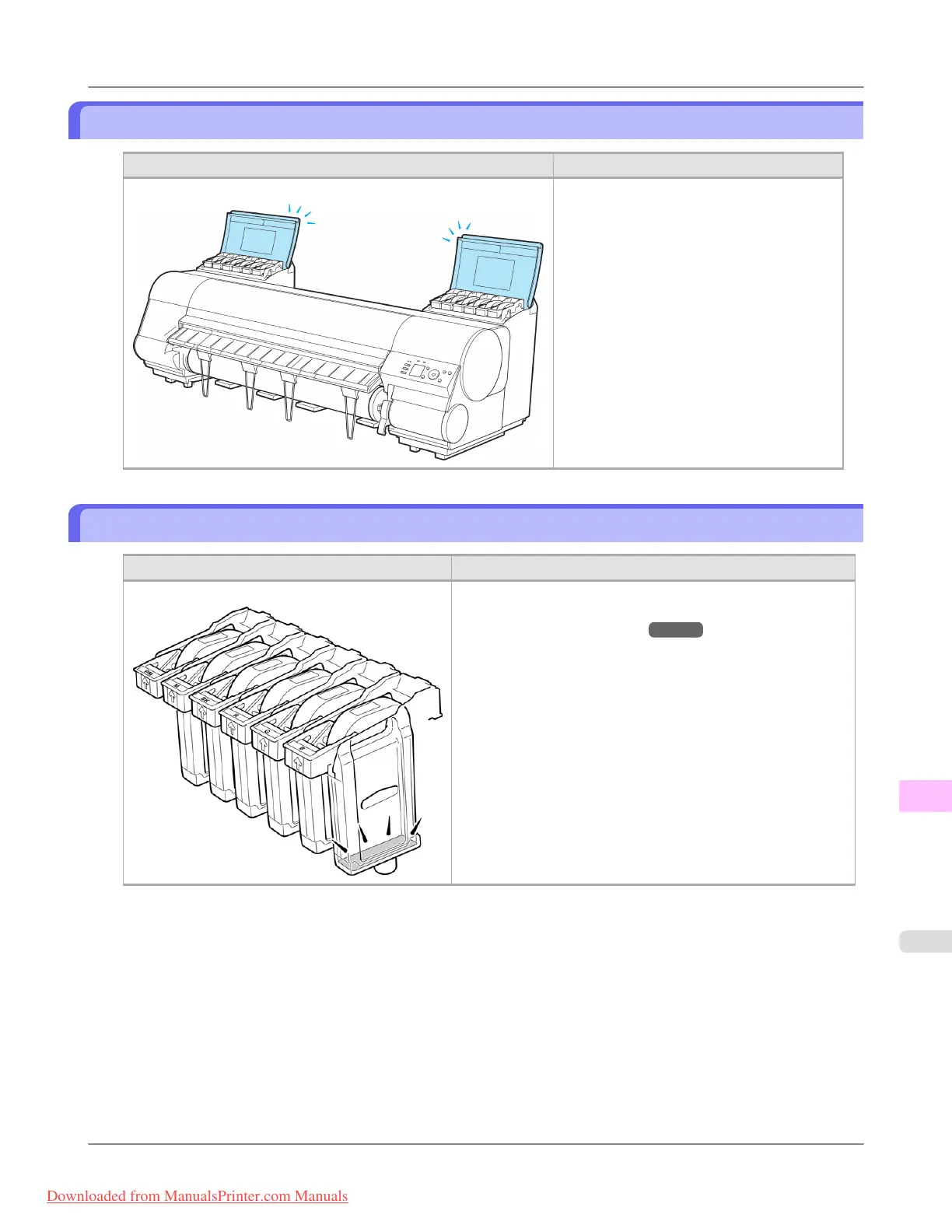
Close Ink Tank Cover
Cause Corrective Action
The Ink Tank Cover is open. Close the Ink Tank Cover.
The buzzer will stop once the error is cleared.
Ink tank is empty.
Cause Corrective Action
There is no ink left in an ink tank. Open the Ink Tank Cover and replace the Ink Tank for which
the Ink Lamp is flashing.
(See "Replacing Ink Tanks.") →P.984
Error Message
>
Messages regarding ink
>
iPF8300 Close Ink Tank Cover
13
1095
Downloaded from ManualsPrinter.com Manuals














 To Next Page