Choosing the Document Type and Printing Conditions (Mac OS X)
You can specify your own print settings instead of using the Print Target presets. This topic describes how print photo-
graphic images in monochrome.
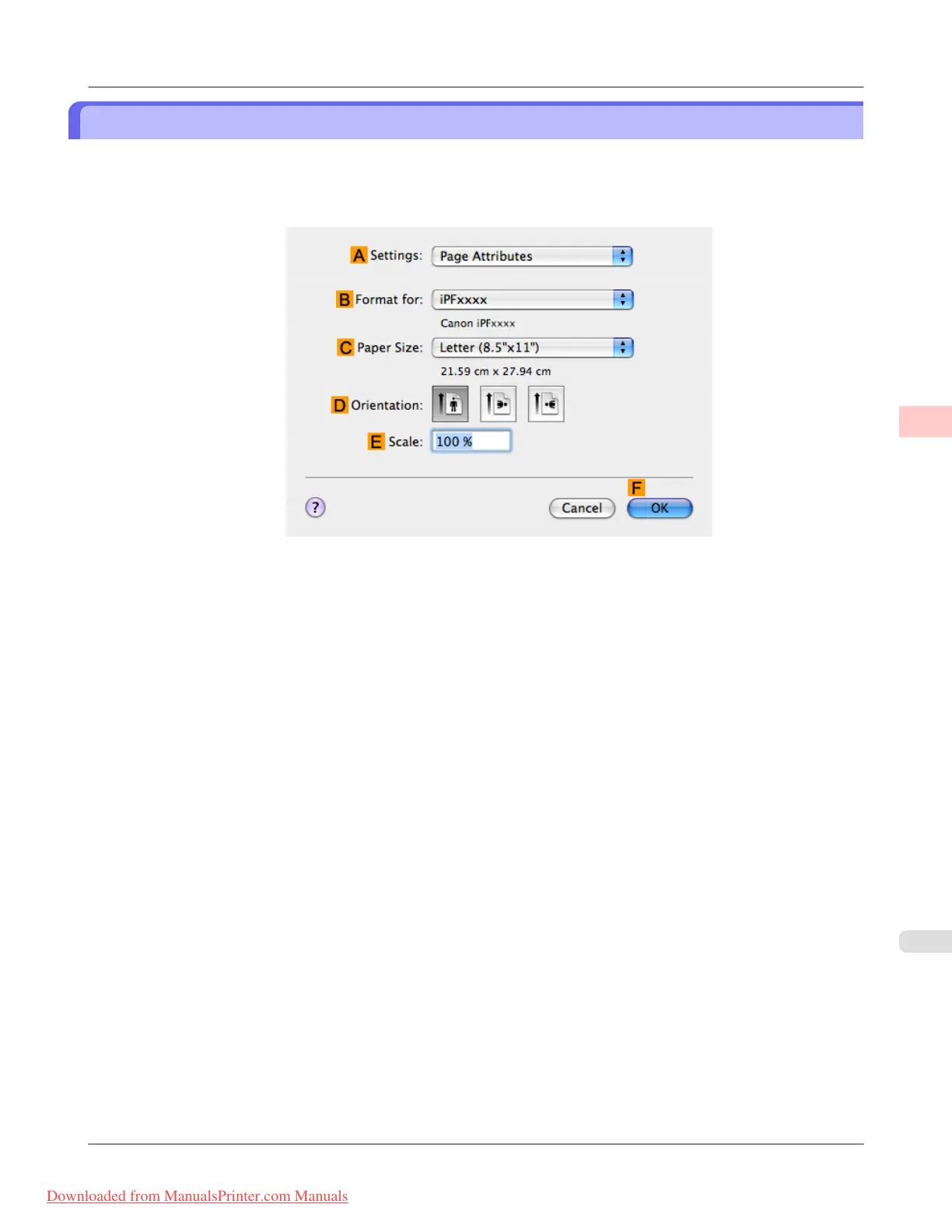
1. Choose Page Setup from the application menu to display the Page Attributes dialog box.
2. Select the printer in the B Format for list.
3. Choose the original size in the C Paper Size list.
4. Click F OK to close the dialog box.
5. In the application menu, choose Print.
Enhanced Printing Options
>
Adjusting Images
>
iPF8300 Choosing the Document Type and Printing Conditions (Mac OS X)
3
57
Downloaded from ManualsPrinter.com Manuals














 To Next Page