Installation Procedures
The procedures to install Print Plug-In are as follows.
Note
• Always install the printer driver before installing the Print Plug-In.
1. Insert the User Software CD-ROM into the CD-ROM drive to start the installer.
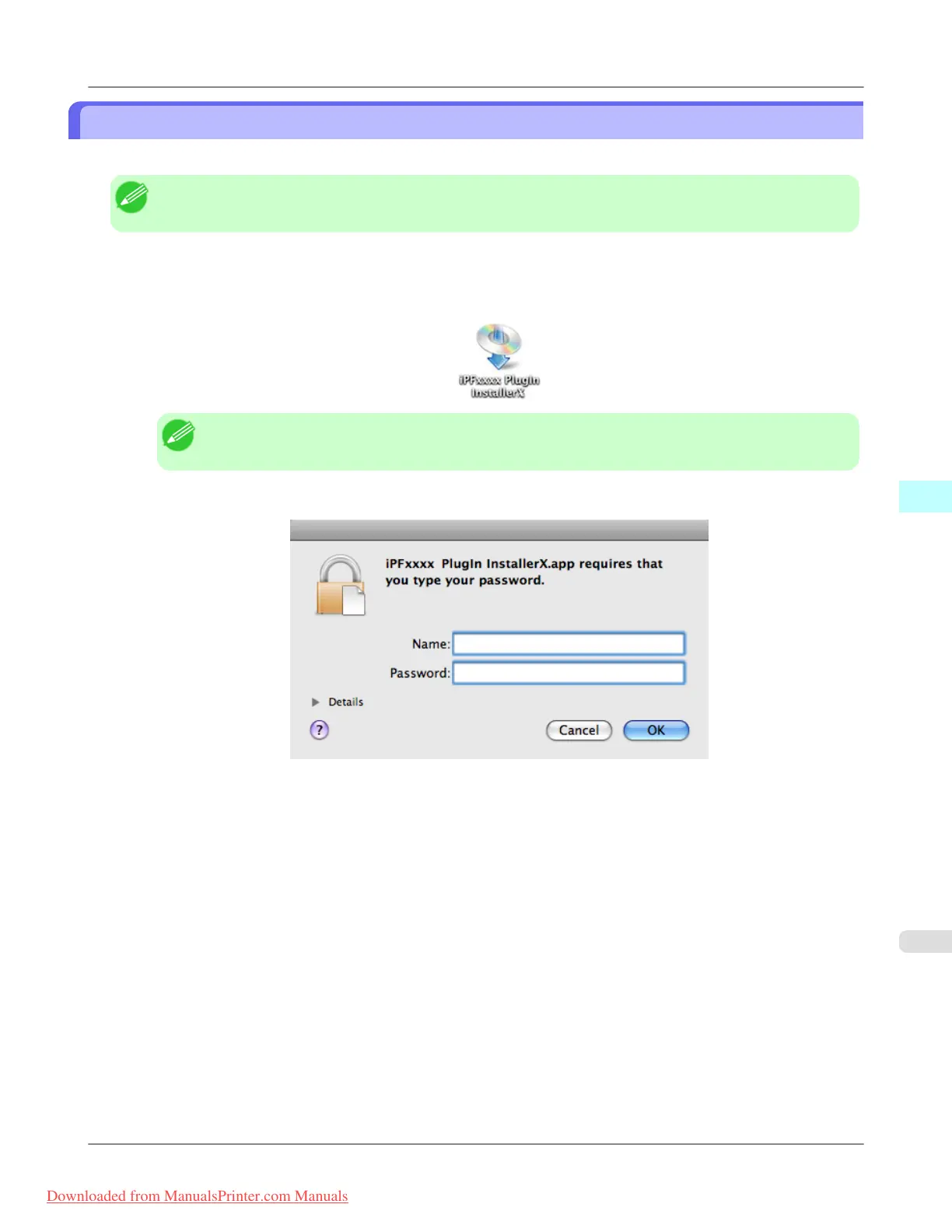
2. Click on the iPFxxxx PlugIn InstallerX icon in the Plug-in folder in the User Software CD-ROM.
Note
• The iPFxxxx icon is the name of the printer you are using.
3. Input the Administrator name and password and click the OK button.
Mac OS X Software
>
Print Plug-In for Photoshop/Digital Photo Professional
>
iPF8300 Installation Procedures
5
603
Downloaded from ManualsPrinter.com Manuals














 To Next Page