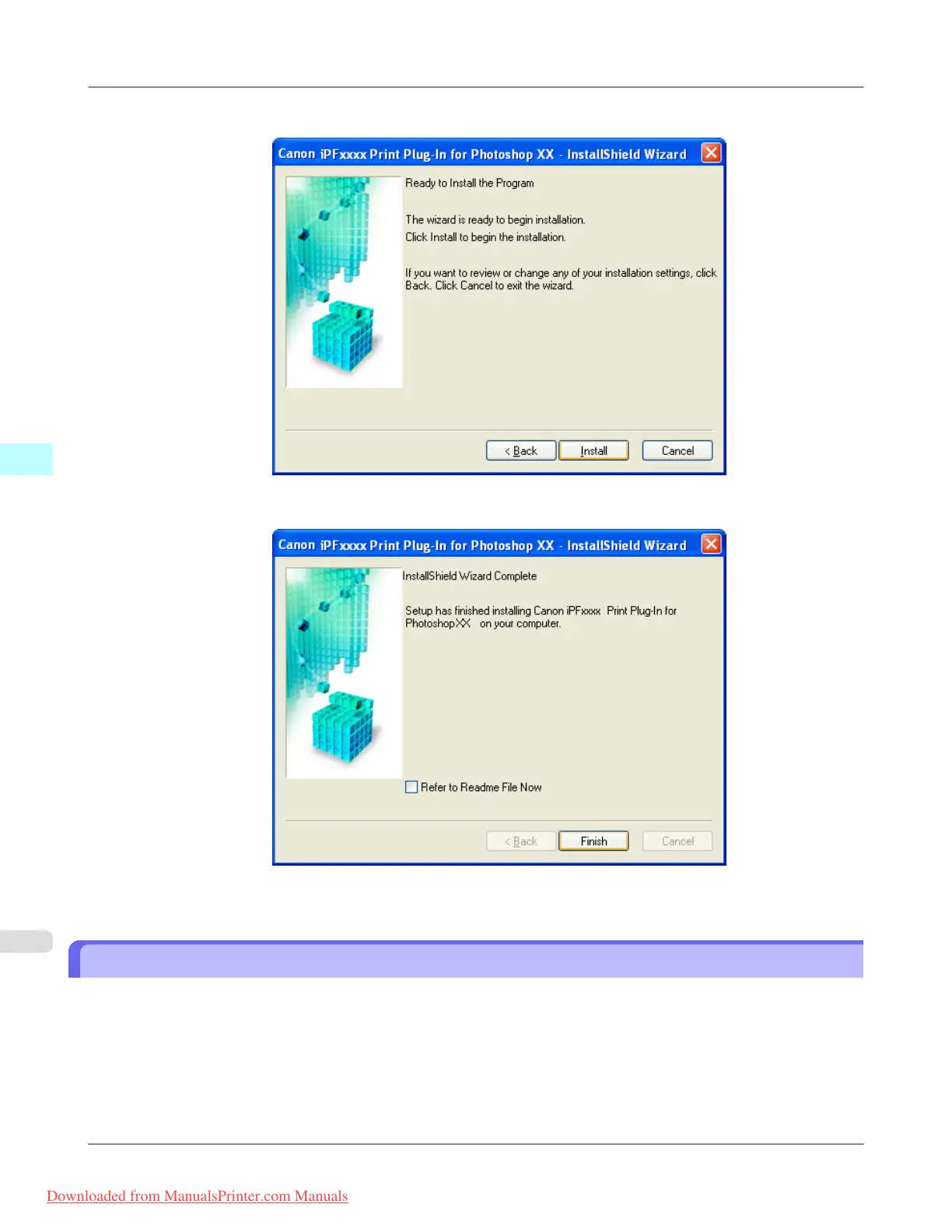
6. Click Install button.
7. Click Finish button.
Print Plug-In installation is complete.
Uninstall Procedures
The procedures for uninstalling the Print Plug-In are as follows.
• Uninstall the Print Plug-In for Photoshop
1. Select start in Control Panel menu.
2. Open Add or Remove Programs.
Windows Software
>
Print Plug-In for Photoshop/Digital Photo Professional
>
Uninstall Procedures iPF8300
4
304
Downloaded from ManualsPrinter.com Manuals














 To Next Page