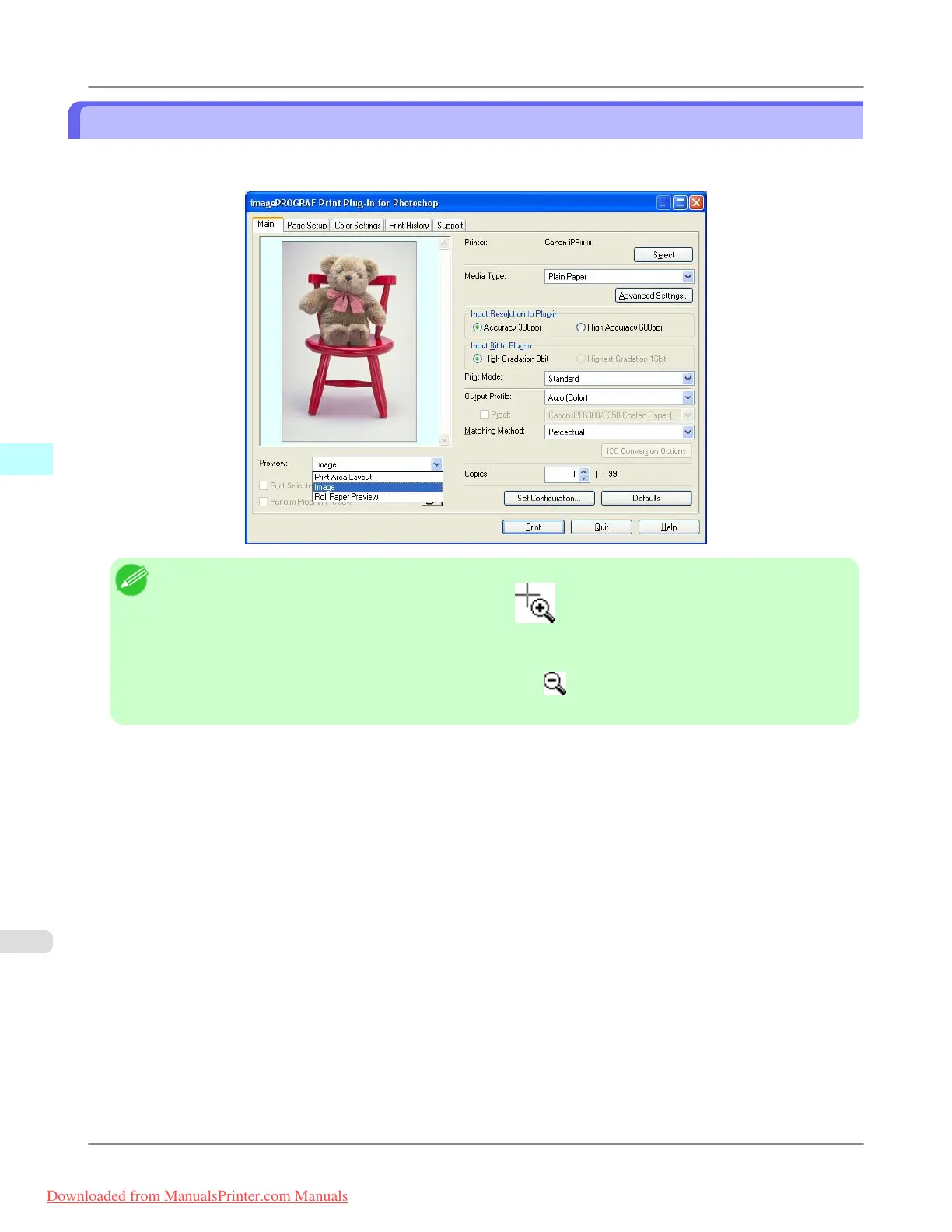
Check the original image with Image
In the image preview you can check the entire image that you have input.
Select Image in Preview.
Note
• When the cursor appears as a small magnifying glass while there is an Image in the Preview area,
the Selected Range feature is enabled and you an drag the cursor on the image and select an area for print-
ing.
• When you click the image while the cursor is displayed as on the preview, the selected area is deselec-
ted.
Windows Software
>
Print Plug-In for Photoshop/Digital Photo Professional
>
Check the original image with Image iPF8300
4
332
Downloaded from ManualsPrinter.com Manuals














 To Next Page