Import Custom Media Information
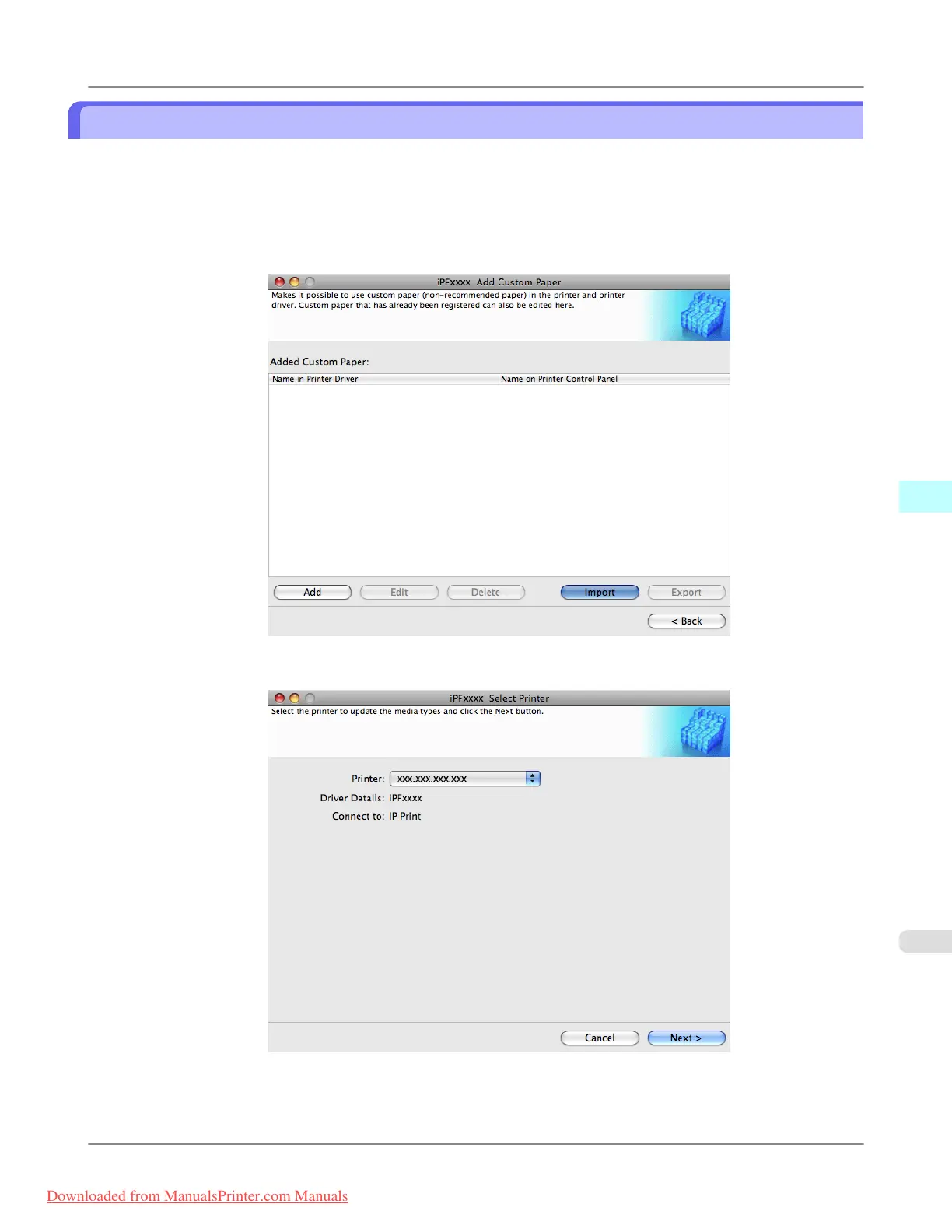
You can import a Custom Media Information File that has been saved in a folder, and add the file to the printer control
panel and to the printer driver of the PC you are using.
1. Open the Add Custom Paper dialog box.
2. Click the Import button.
3.
Select the printer to add the custom paper to.
Mac OS X Software
>
Media Configuration Tool
>
iPF8300 Import Custom Media Information
5
709
Downloaded from ManualsPrinter.com Manuals














 To Next Page