Color adjustment
Using Color Calibration for Color Adjustment .................................................................................................. 854
Printing in Ideal Colors for Light in the Viewing Environment .......................................................................... 856
Selecting Color Tones on Charts Before Printing (Windows) ..................................................................... 857
Selecting Color Tones on Charts Before Printing (Mac OS X) .................................................................... 861
Printing in Colors Matching the Measured Ambient Light (Windows) ......................................................... 866
Printing in Colors Matching the Measured Ambient Light (Mac OS X) ....................................................... 869
Printing Images to Match Monitor Colors ........................................................................................................ 873
Printing Images to Match Monitor Colors (Windows) .................................................................................. 874
Printing Images to Match Monitor Colors (Mac OS X) ................................................................................ 877
Using Color Calibration for Color Adjustment
The calibration function improves color consistency by compensating for slight differences in how color appears due to in-
dividual variation among printheads or conditions in various printing environments.
We recommend color calibration in the following situations.
• After initial printer installation
• After Printhead replacement
• If colors seem different from before, despite using the same printing environment, under the same conditions
• To ensure uniform colors when printing on multiple printers (however, be sure to use the same version of firmware and
printer driver, under the same settings)
Executing color calibration will print a test pattern, which the printer will read to set the adjustment value automatically.
Important
• Color calibration requires one of the following types of paper. Note that various environmental conditions are
recommended for various types of paper. Use the printer only where the recommended environmental condi-
tions for the paper are met. For details on recommended environmental conditions for various paper, see the
Paper Reference Guide. (See "Types of Paper.") →P.768
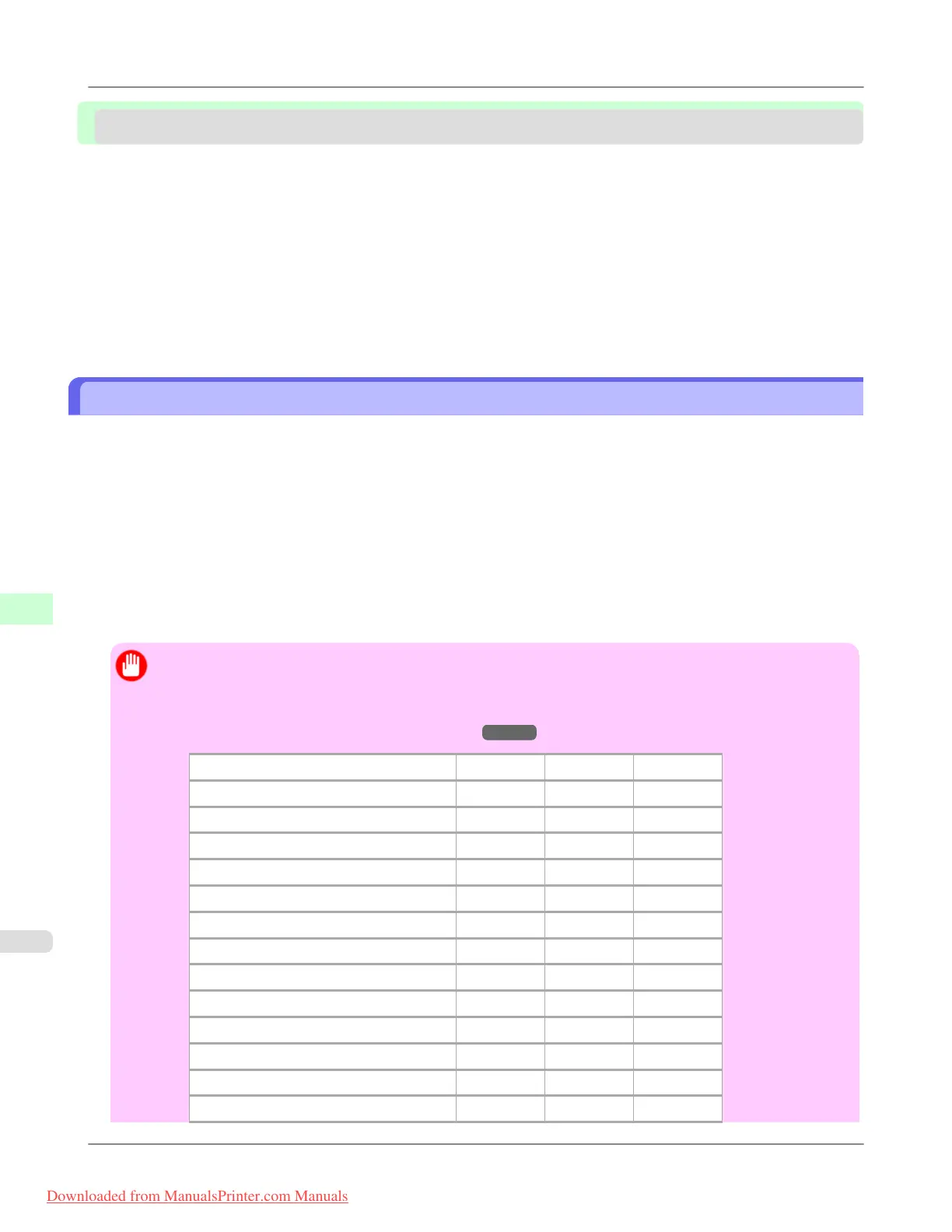
Paper Compatible With Color Calibration Japan Europe Americas
HW Coated Compatible Compatible Compatible
Premium MatteP Compatible Compatible Compatible
Premium Gl 200 Compatible Compatible Compatible
Prem.SemiGl 200 Compatible Compatible Compatible
Premium Gl 280 Compatible Compatible Compatible
Prem.SemiGl 280 Compatible Compatible Compatible
FineArt Photo Compatible Compatible Compatible
FneArt HW Photo Compatible Compatible Compatible
Poster Semi-Gl Compatible Compatible Compatible
SatinPhoto 190 Compatible Compatible Compatible
Proofing Paper Compatible — Compatible
GlossyPhoto 190 — Compatible Compatible
GlossyPhoto 240 — Compatible Compatible
Adjustments for Better Print Quality
>
Color adjustment
>
Using Color Calibration for Color Adjustment iPF8300
8
854
Downloaded from ManualsPrinter.com Manuals














 To Next Page