4. Press ▲ or ▼ to select the type of paper, and then press the OK button.
Note
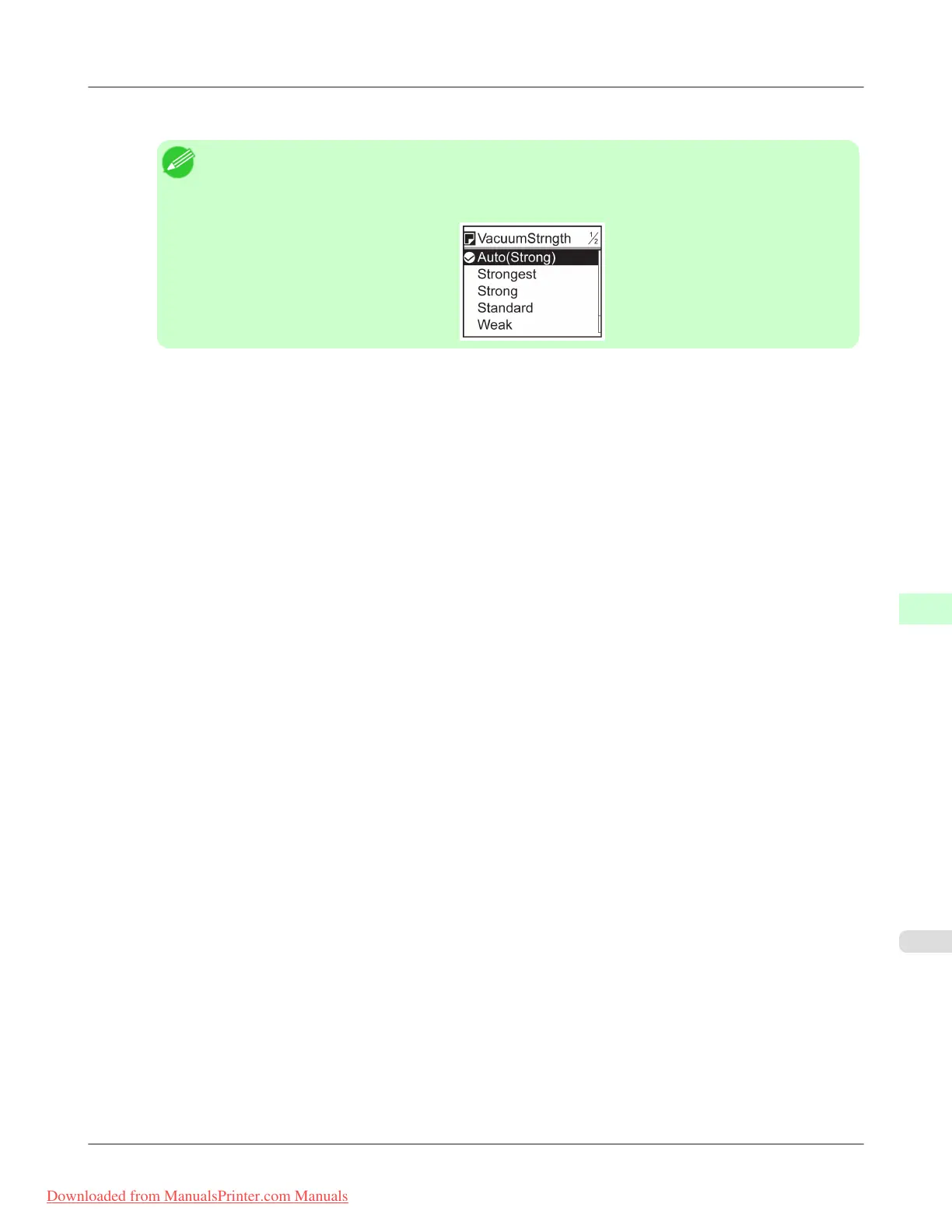
• When VacuumStrngth is set to Automatic, the setting value selected for the previous print job is
displayed (to the right of Automatic ) once you select the type of paper currently supplied.
However, the value is cleared when the printer is turned off or the paper is replaced.
5. Press ▲ or ▼ to select VacuumStrngth, and then press the OK button.
6. Press ▲ or ▼ to select the desired setting value, and then press the OK button.
Adjustments for Better Print Quality
>
Adjusting the feed amount
>
iPF8300 Adjusting the Vacuum Strength (VacuumStrngth)
8
853
Downloaded from ManualsPrinter.com Manuals














 To Next Page