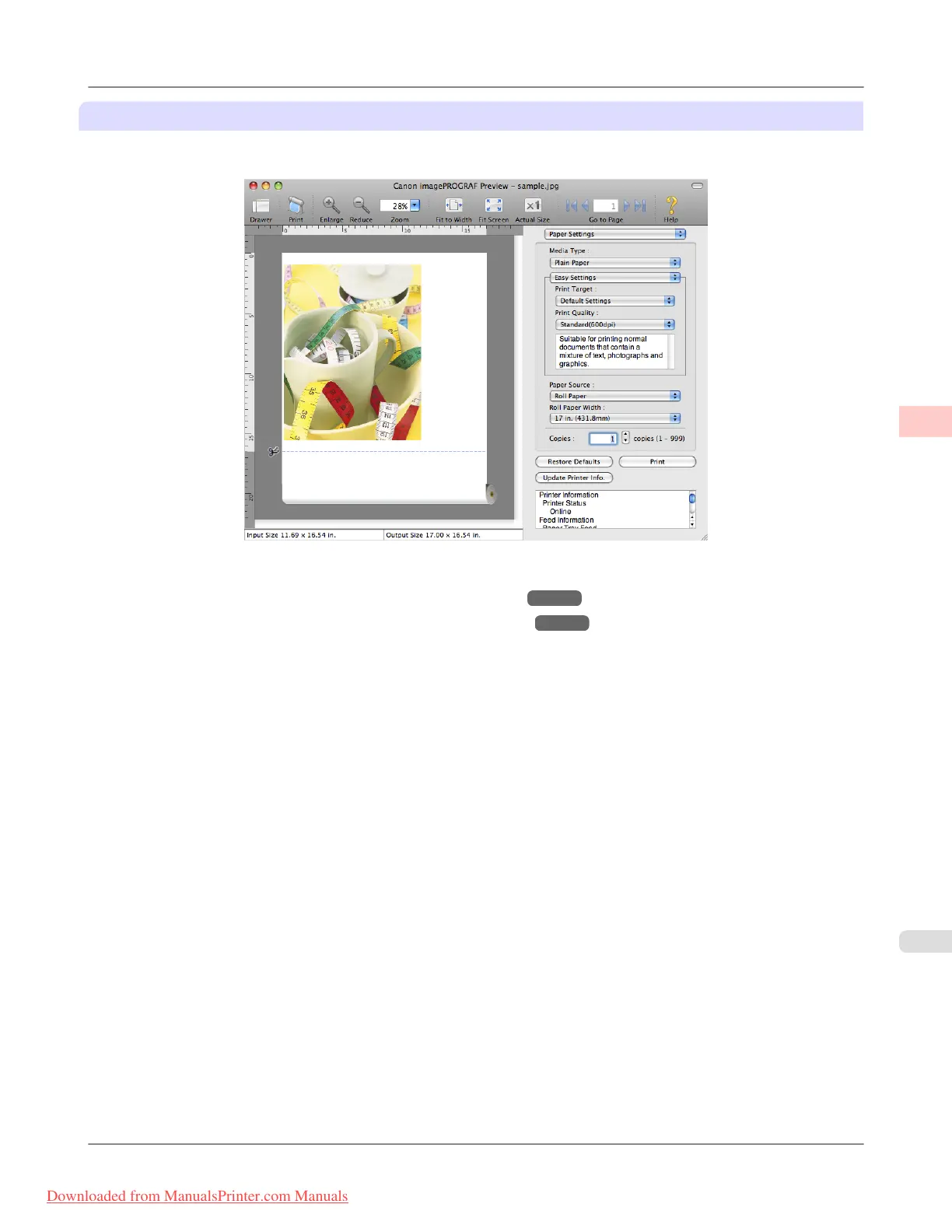
Preview (Macintosh)
While viewing the preview screen, you can also adjust layout or size settings, and your changes will be instantly applied on
the preview screen.
For instructions on how to check the layout before printing, refer to the following topics:
• Checking the Layout in a Preview Before Printing (Windows) →P.201
• Checking the Layout in a Preview Before Printing (Mac OS X) →P.484
Enhanced Printing Options
>
Checking Images Before Printing
>
iPF8300 Checking the Layout in a Preview Before Printing
3
179
Downloaded from ManualsPrinter.com Manuals














 To Next Page