Setting Details
Colorimetric (No White-Point
Correction)
The processing method of color-matching is identical to Colorimetric. Use this
when you want to further reproduce the target paper material color of the image
data. Generally, this also is called absolute colorimetric.
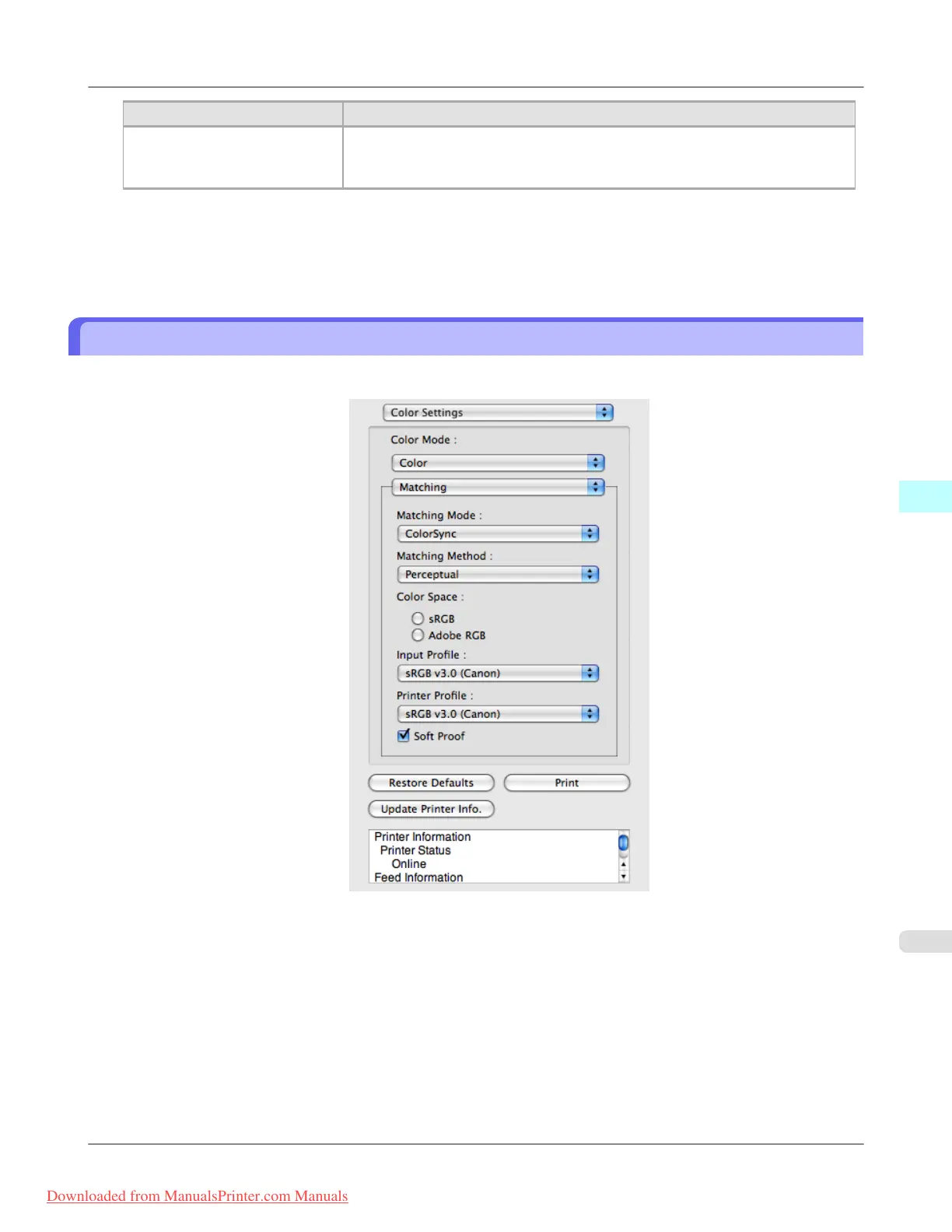
3. Click the Input Profile list and select an input profile.
4. Click the Printer Profile list and select a printer profile.
ColorSync
1. Check that ColorSync is selected in Matching Mode.
2. To apply ColorSync to previews, check the Soft Proof check box.
Mac OS X Software
>
Preview
>
iPF8300 ColorSync
5
533
Downloaded from ManualsPrinter.com Manuals














 To Next Page