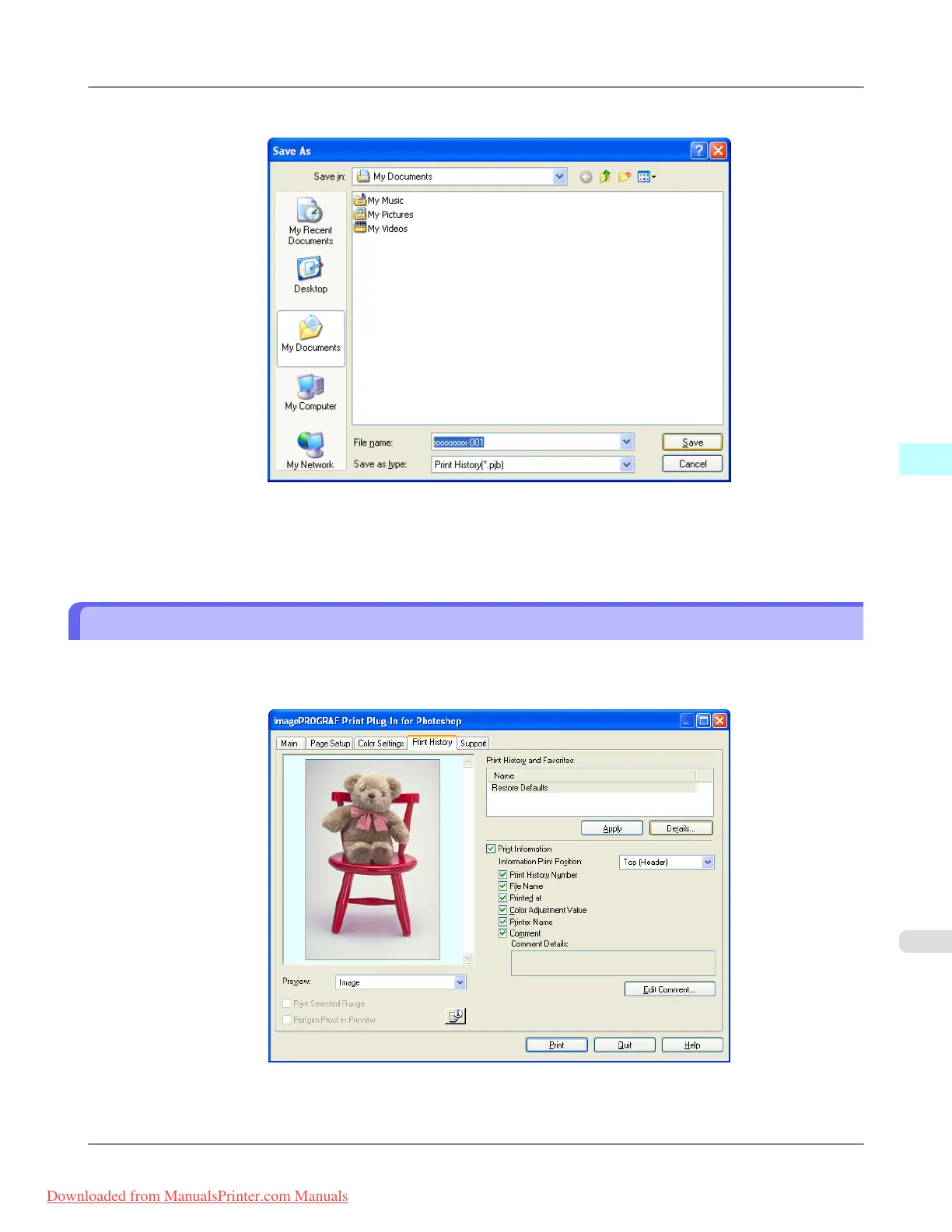
4. Input the name of the print history in File Name in the Save As dialog box, and click the Save button.
The print history is exported under the specified file name.
5. Click the OK button to close the Print History Details dialog box.
Import Print History to Print Preferences
You can import print history in file format and store it to print preferences.
1. Display the Print History sheet.
2. Click the Details button.
Windows Software
>
Print Plug-In for Photoshop/Digital Photo Professional
>
iPF8300 Import Print History to Print Preferences
4
361
Downloaded from ManualsPrinter.com Manuals














 To Next Page