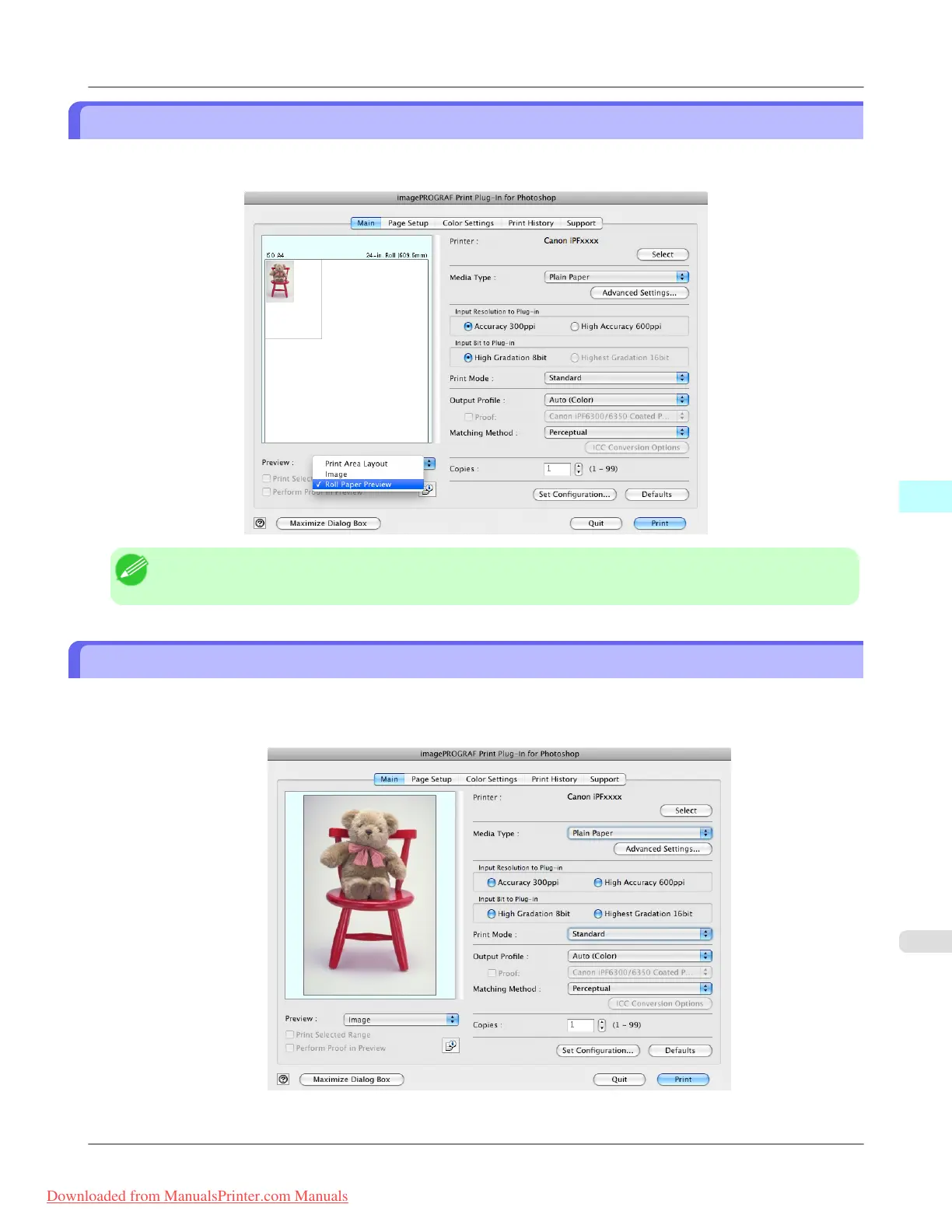
Check Image with Roll Paper Preview
Display the media size and roll paper information on the top in the layout printing on roll paper in Roll Paper Preview
Select Roll Paper Preview in Preview.
Note
• To select Roll Paper Preview in Preview, select Roll Paper in Paper Source.
Print with a Desired Picture Quality
You can specify and print at the resolution you desire.
1. Display the Main sheet.
Mac OS X Software
>
Print Plug-In for Photoshop/Digital Photo Professional
>
iPF8300 Check Image with Roll Paper Preview
5
635
Downloaded from ManualsPrinter.com Manuals














 To Next Page