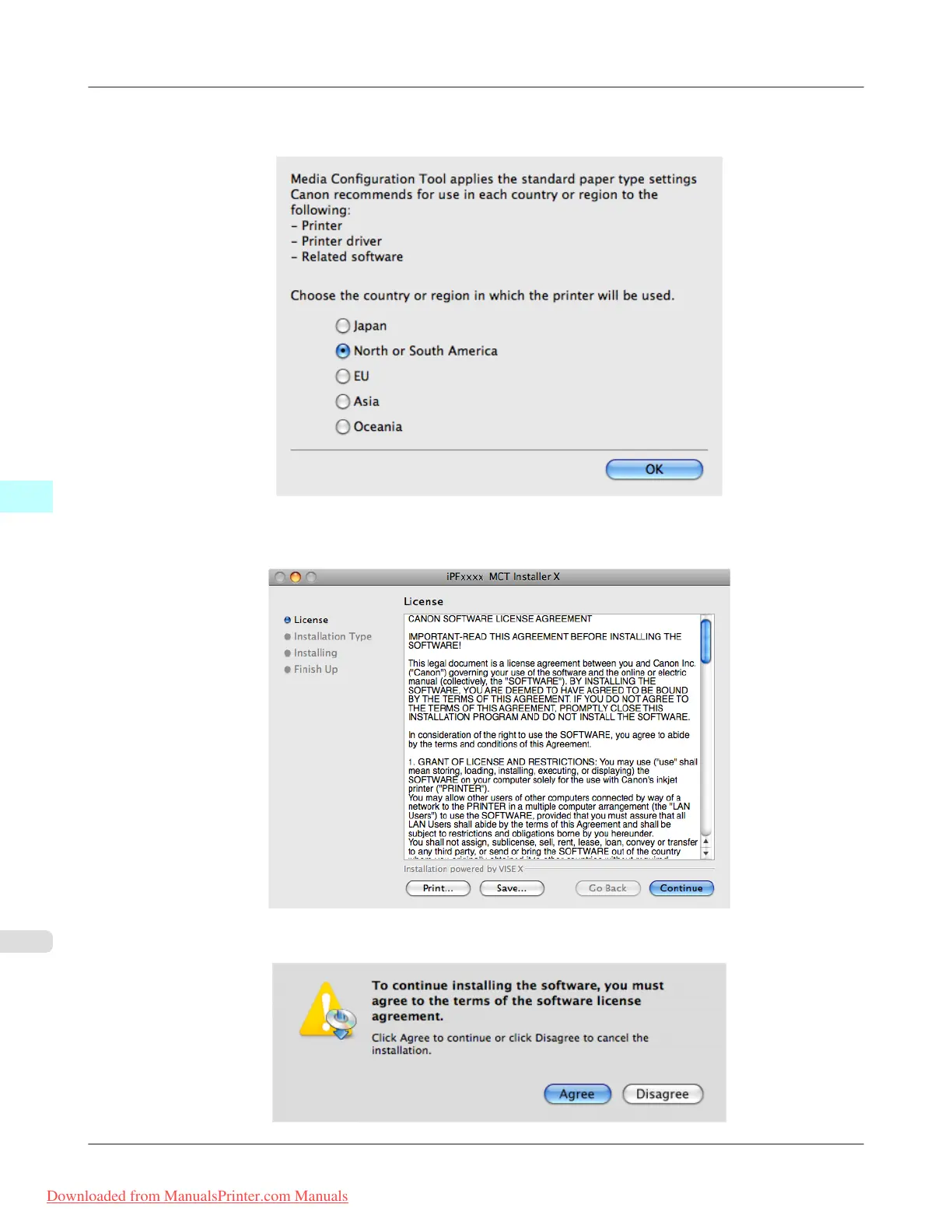
3. The next screen presents selections for the country or area where the printer is used.
Select a country or territory then click the OK button.
4. The License is displayed.
After you have read Canon Software License Agreement, click the Continue button.
5. Click the Agree button.
Mac OS X Software
>
Media Configuration Tool
>
Procedures for Uninstalling iPF8300
5
676
Downloaded from ManualsPrinter.com Manuals














 To Next Page