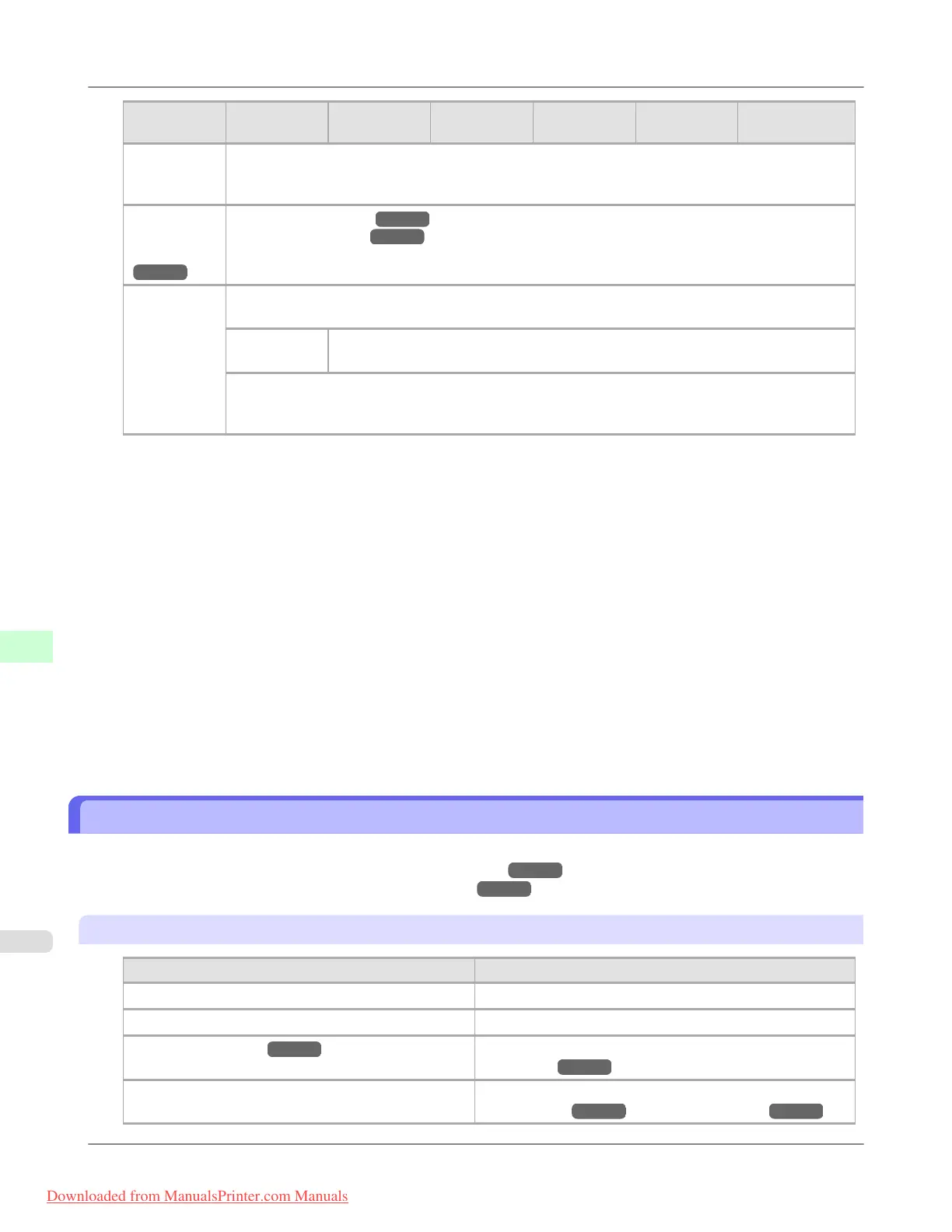
First Level
Second Lev-
el
Third Level Fourth Level Fifth Level Sixth Level Seventh Level
Prep.Move-
Printer
Level 1 *
Level 2
Level 3
Admin.
Menu
(*5
→P.912 )
Change Password (*7 →P.912 )
Init.Admin.Pswd (*7 →P.912 )
Printer Info Paper Info
Ink Info
Head Info Printhead L
Printhead R
System Info
Error Log
Other Counter
*1: Available after you have used Auto(Advanced) in Head Posi. Adj. once.
*2: Displayed if a sheet is loaded in the printer.
*3: Available if Adj. Priority is Automatic or Print Quality.
*4: Available if Adj. Priority is Automatic or Print Length.
*5: Viewing and configuration is possible for administrators, and only viewing for other users.
*6: Not displayed if IPv4 Mode is Manual.
*7: Viewing and configuration is possible for administrators only.
*8: Not displayed if IPv6 Support is Off.
*9: Not displayed if NetWare is Off.
*10: Not displayed if Auto Detect is On.
*11: Follows the setting in Date Format.
*12: Displayed only when the Media Take-up Unit is attached.
*13: Available if: (a) Use Take-up Reel is Enable, (b) roll paper is loaded, and (c) you have not executed Auto
Feed for the loaded roll.
*14: Available when Use Take-up Reel is Enable.
Menu Settings
Menu items are as follows.
For instructions on selecting menu items, see "Menu Operations." →P.902
For details on menu levels and values, see "Menu Structure." →P.904
Paper Menu
Setting Item
Description, Instructions
Load Paper Select either sheets or rolls and load the paper.
Eject Paper Choose this item before removing loaded paper.
Chg. Paper Type (*1 →P.914 ) Change the type of paper loaded. (See "Changing the Type
of Paper.") →P.784
Chg. Paper Size Change the size of paper loaded. (See "Specifying the Pa-
per Length.") →P.785 (See "Paper Sizes.") →P.771
Printer Parts
>
Control Panel
>
Menu Settings iPF8300
9
912
Downloaded from ManualsPrinter.com Manuals














 To Next Page