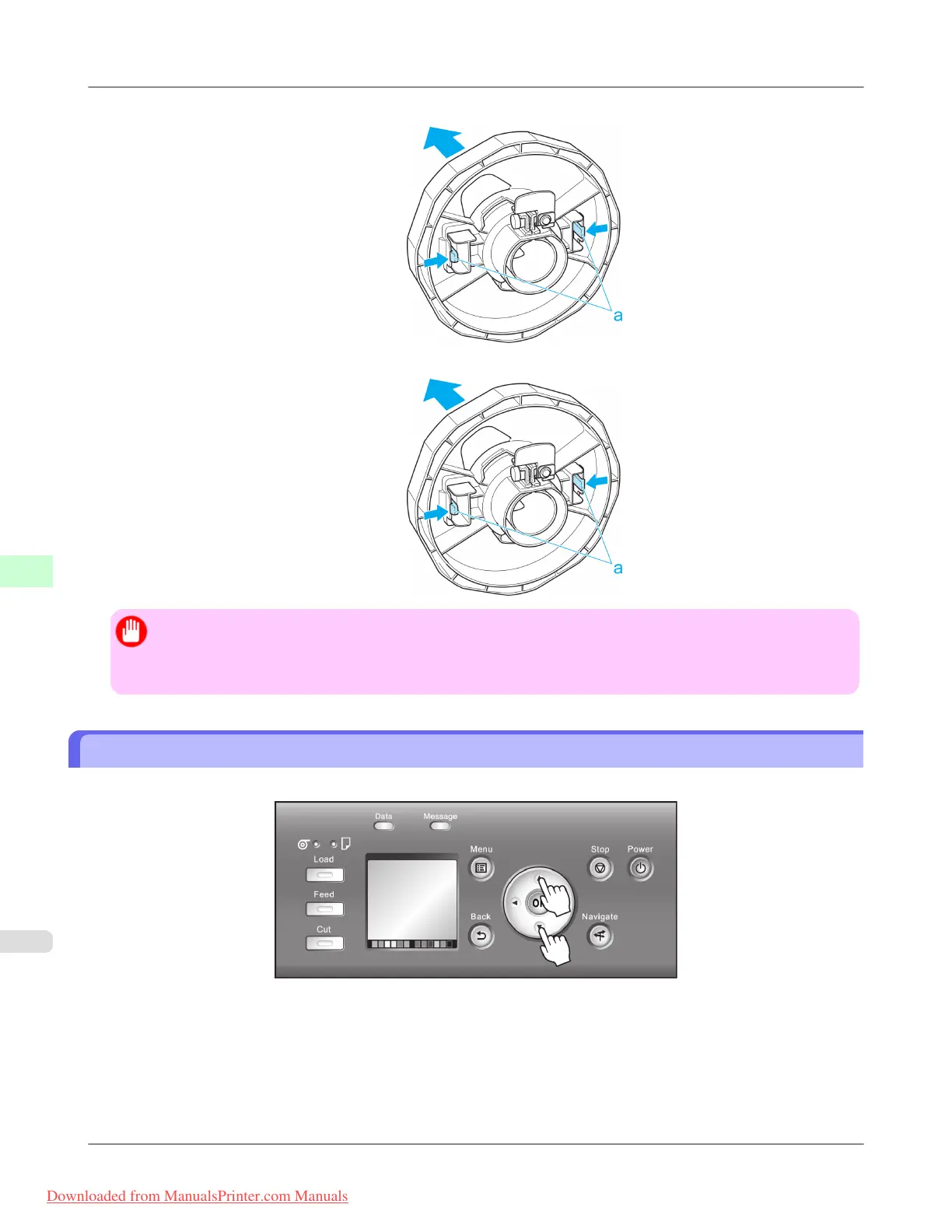
• 3-Inch Paper Core Attachment #2 ( Holder Stopper side)
• 2-Inch Paper Core Attachment
Important
• Store the roll in the original bag or box, away from high temperature, humidity, and direct sunlight. If paper
is not stored properly, the printing surface may become scratched, which may affect the printing quality
when you use it again.
Feeding Roll Paper Manually
After a roll has been advanced, you can press the Feed button to feed or retract the roll with the ▲ and ▼ buttons.
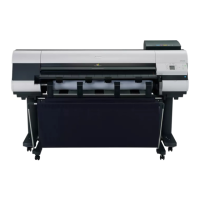
1. Press the Feed button.
2. Press the ▲ or ▼ button to advance or retract the roll.
Press ▲ to retract the roll manually.
Press ▼ to advance the roll manually.
Handling Paper
>
Handling rolls
>
Feeding Roll Paper Manually iPF8300
7
790
Downloaded from ManualsPrinter.com Manuals





 To Next Page