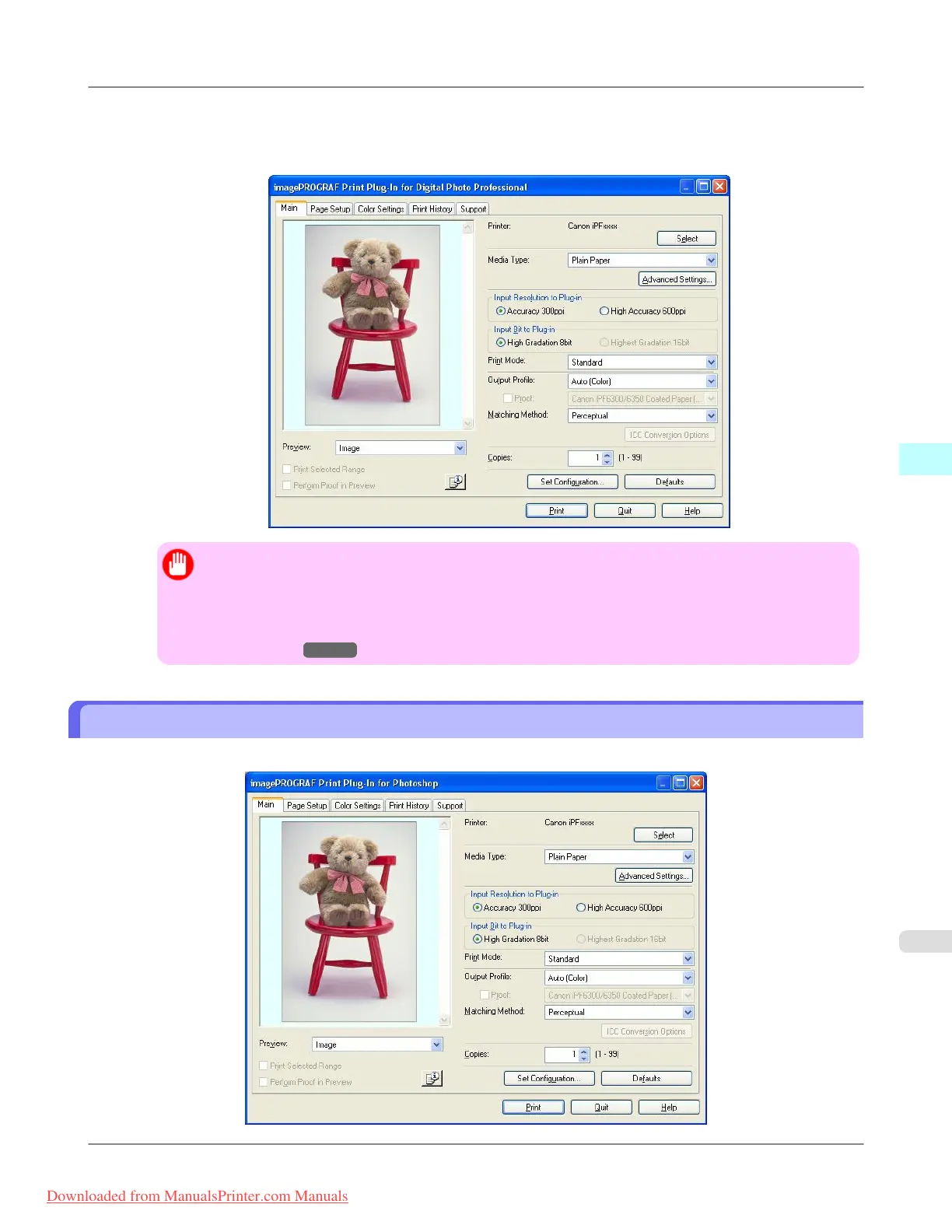
4. Select File from the Plug-in printing menu and then select the output plug-in that matches your printer.
The imagePROGRAF Print Plug-In for Digital Photo Professional window (hereinafter referred to as the Print Plug-
In window) is displayed.
Important
• If the profile was created by a commercially available profile creation tool, the profile may have been
created in ICCv4 format. If the image source profile is ICCv4, Adobe CMM is required. If Adobe
CMM has not been installed, a message is displayed and the source profile is changed to Adobe RGB.
If you want to use an ICCv4 profile, close the plug-in and then install Adobe CMM. Refer to Using
Adobe CMM →P.343 for details on how to install Adobe CMM.
Print Plug-In Main Window
The Print Plug-In main window consists of the sheet selection area, and the preview and button area.
Windows Software
>
Print Plug-In for Photoshop/Digital Photo Professional
>
iPF8300 Print Plug-In Main Window
4
307
Downloaded from ManualsPrinter.com Manuals














 To Next Page