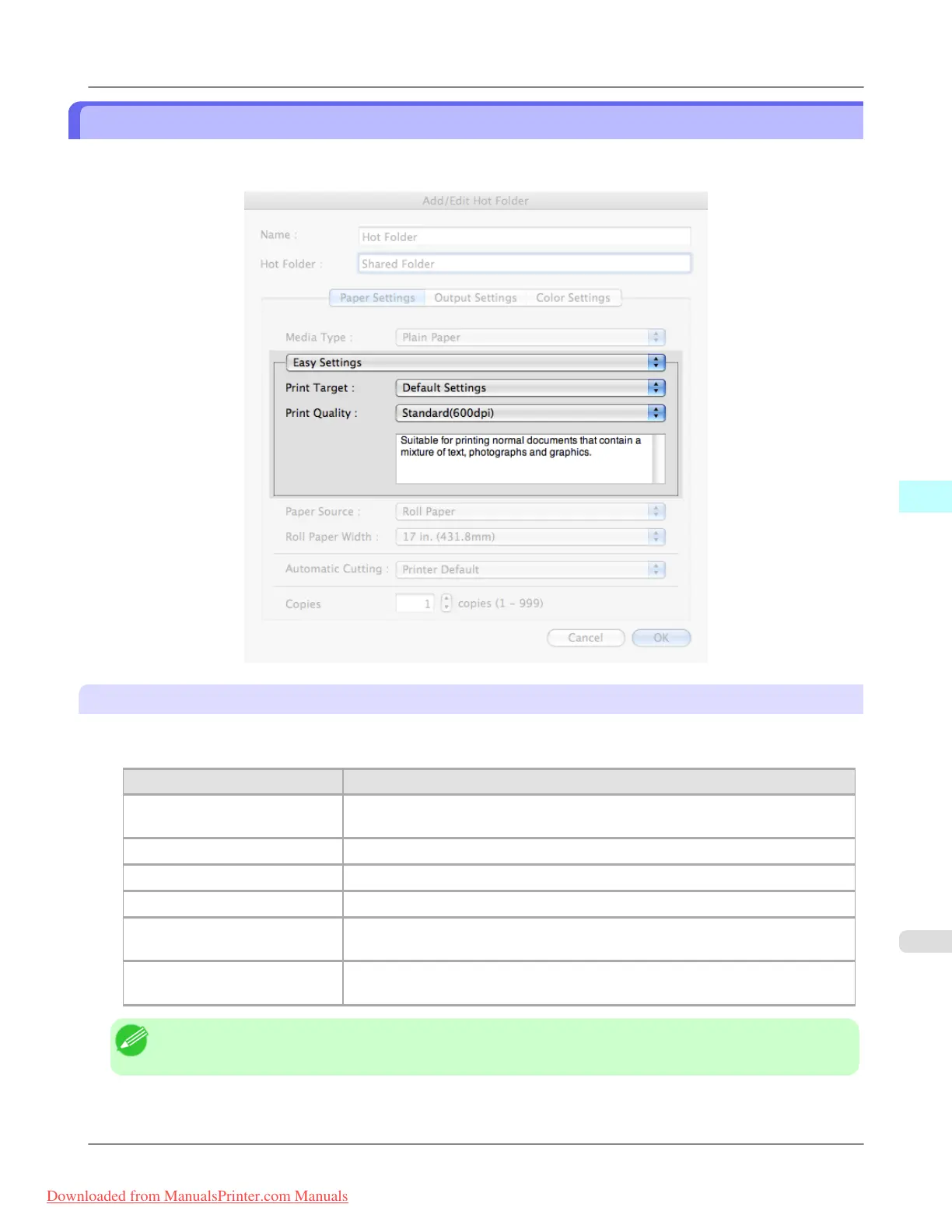
Easy Settings
You can easily select the best settings for the print job by just selecting an item from the print target list that matches the
content of the document.
Print Target
You can easily select the best settings for the print job simply.
If you select each Print Target item the corresponding comment for that item is displayed below the list.
Setting Details
Default Settings Suitable for printing normal documents that contain a mixture of text, photographs,
and graphics.
Photo (Color) Suitable for printing photographic images captured with a digital camera.
Poster The best setting for posters.Prints using vivid and high impact colors.
Faithful Color Reproduction Prints by faithfully reproducing the colors of the original image.
Photo (Adobe RGB) Achieves the best color when printing an image created with the Adobe RGB color
space feature.
Office Document Suitable for printing handouts as well as general office documents for which print
clarity is key.
Note
• The number of settings available for selection depends on the media type.
Mac OS X Software
>
Color imageRUNNER Enlargement Copy
>
iPF8300 Easy Settings
5
589
Downloaded from ManualsPrinter.com Manuals














 To Next Page