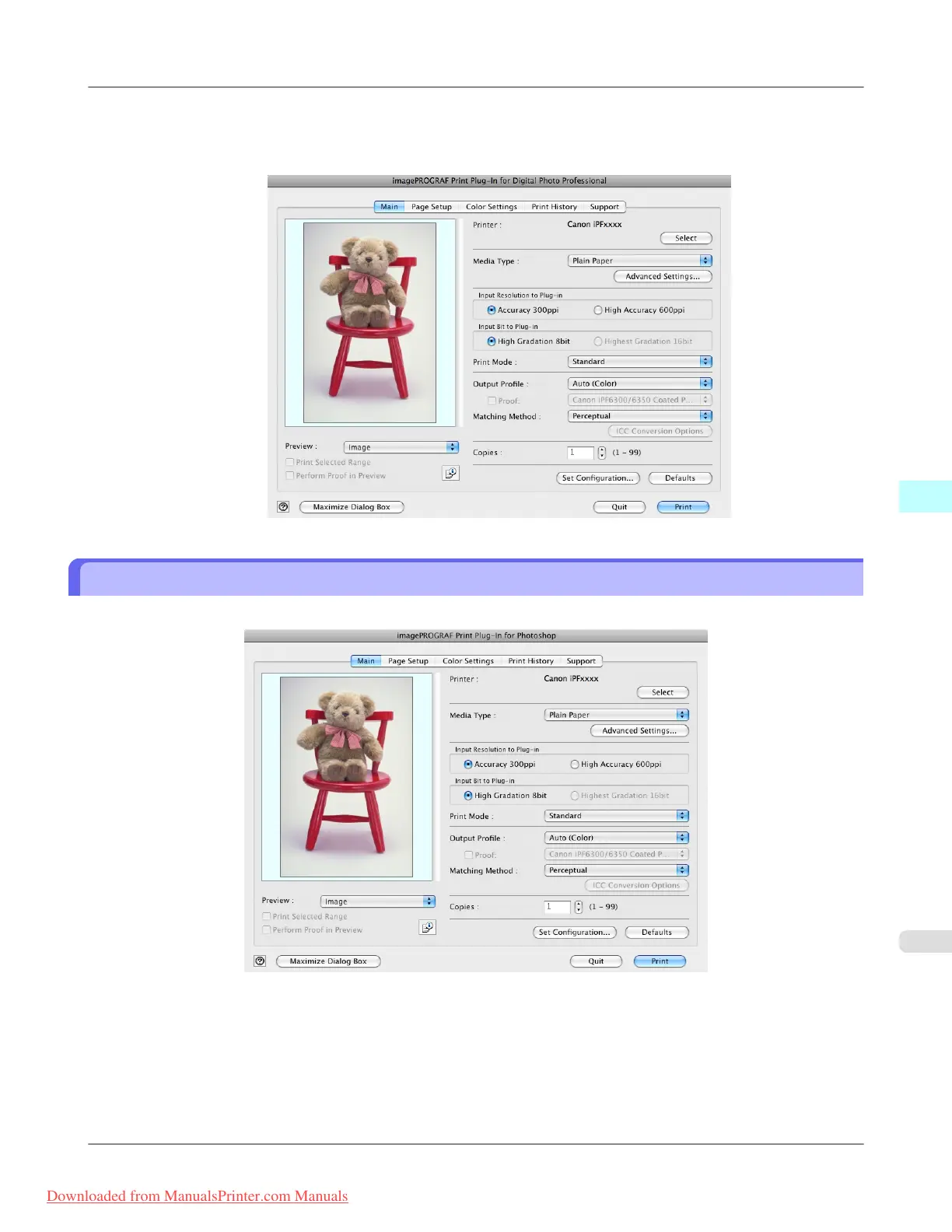
4. Select File from the Plug-in printing menu and then select the output plug-in that matches your printer.
The imagePROGRAF Print Plug-In for Digital Photo Professional window (hereinafter referred to as the Print Plug-
In window) is displayed.
Print Plug-In Main Window
The Print Plug-In main window consists of the sheet selection area, and the preview and button area.
Mac OS X Software
>
Print Plug-In for Photoshop/Digital Photo Professional
>
iPF8300 Print Plug-In Main Window
5
609
Downloaded from ManualsPrinter.com Manuals














 To Next Page