Important
• This function requires the i1 spectrophotometer. The Light Source Measure Tool must also be installed.
• You can install the Light Source Measure Tool from the User Software CD-ROM.
• For a list of supported i1 devices, refer to the manual provided with the Light Source Measure Tool.
• This function is only supported in Windows and Mac OS X 10.4 or later.
• The colors in this function may differ slightly depending on the system software used (Windows 32/64 bit or
Macintosh).
For instructions on measuring light levels before printing, refer to the following topic:
• Printing in Colors Matching the Measured Ambient Light (Windows)
→P.866
• Printing in Colors Matching the Measured Ambient Light (Mac OS X) →P.869
Selecting Color Tones on Charts Before Printing (Windows)
Print Chart, note the number of the chart with your desired color tone, and enter this number in the printer driver before
printing.
Important
• This function requires that the Light Source Check Tool be installed.
• You can install the Light Source Check Tool from the User Software CD-ROM.
1. Choose Print in the application menu.
2. Select the printer in the dialog box, and then display the printer driver dialog box.(See "Accessing the Printer Driv-
er Dialog Box from Applications (Windows)
→P.205 ")
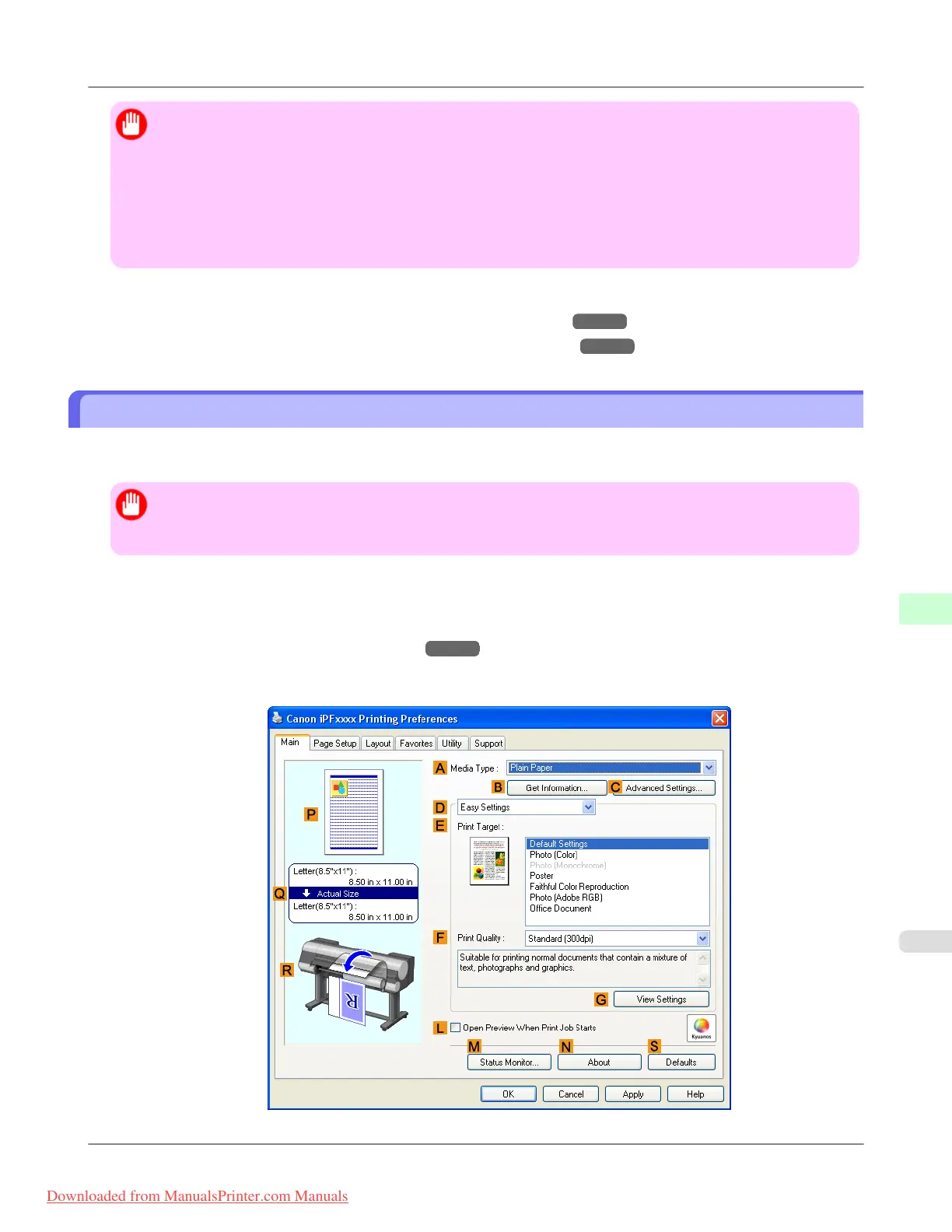
3. Make sure the Main sheet is displayed.
Adjustments for Better Print Quality
>
Color adjustment
>
iPF8300 Selecting Color Tones on Charts Before Printing (Windows)
8
857
Downloaded from ManualsPrinter.com Manuals














 To Next Page