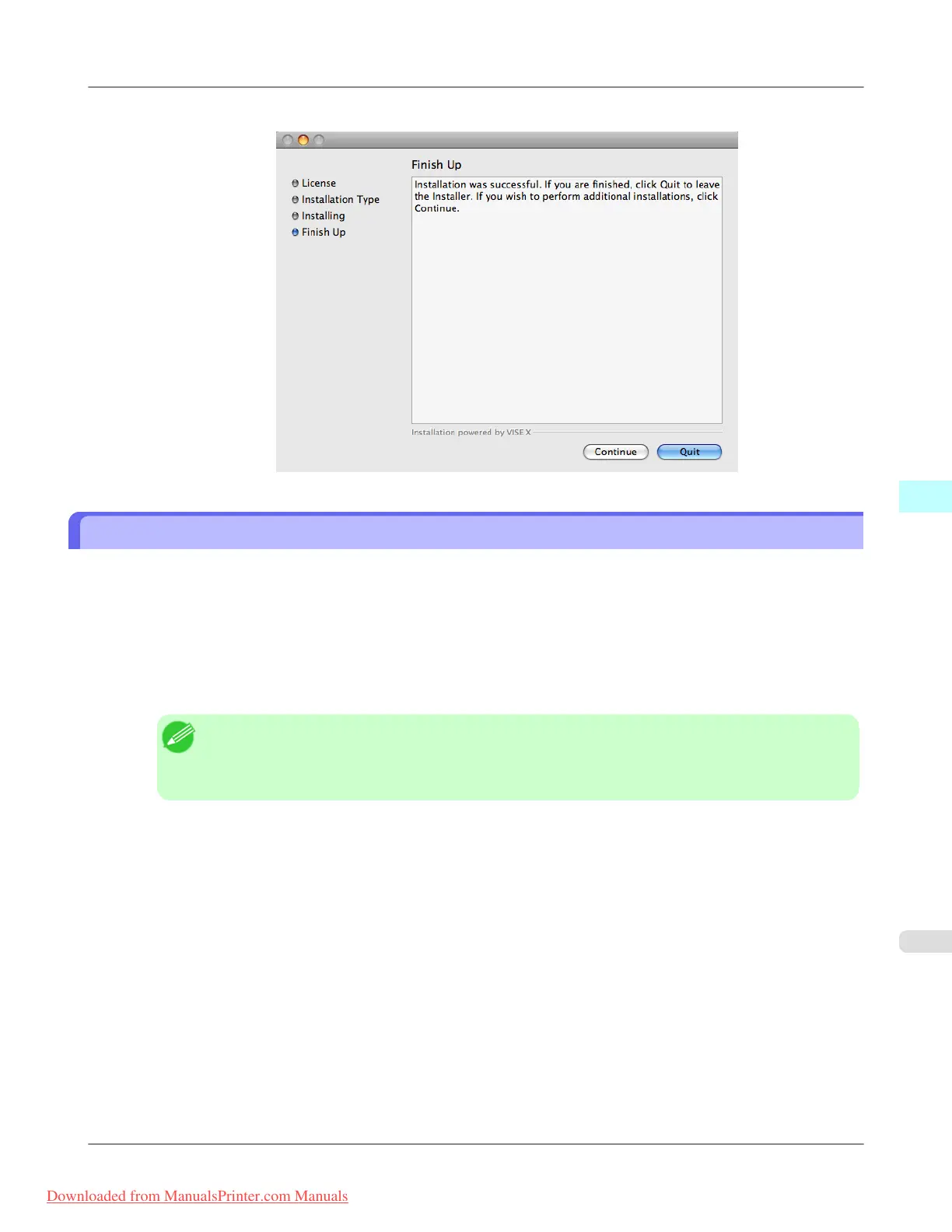
5. Click the Quit button.
Starting from Photoshop
Follow the procedure below to start the Print Plug-In from Photoshop.
1. Start Photoshop.
2. Open the image that you wish to print.
3. If required, select the print range.
Note
• Images for use with Print Plug-In are less than 60,000 pixels in width and height. Reduce the selec-
tion range or reduce the image with processing for images more than 60,000 pixels in width and
height, and then attempt step 3.
Mac OS X Software
>
Print Plug-In for Photoshop/Digital Photo Professional
>
iPF8300 Starting from Photoshop
5
607
Downloaded from ManualsPrinter.com Manuals














 To Next Page