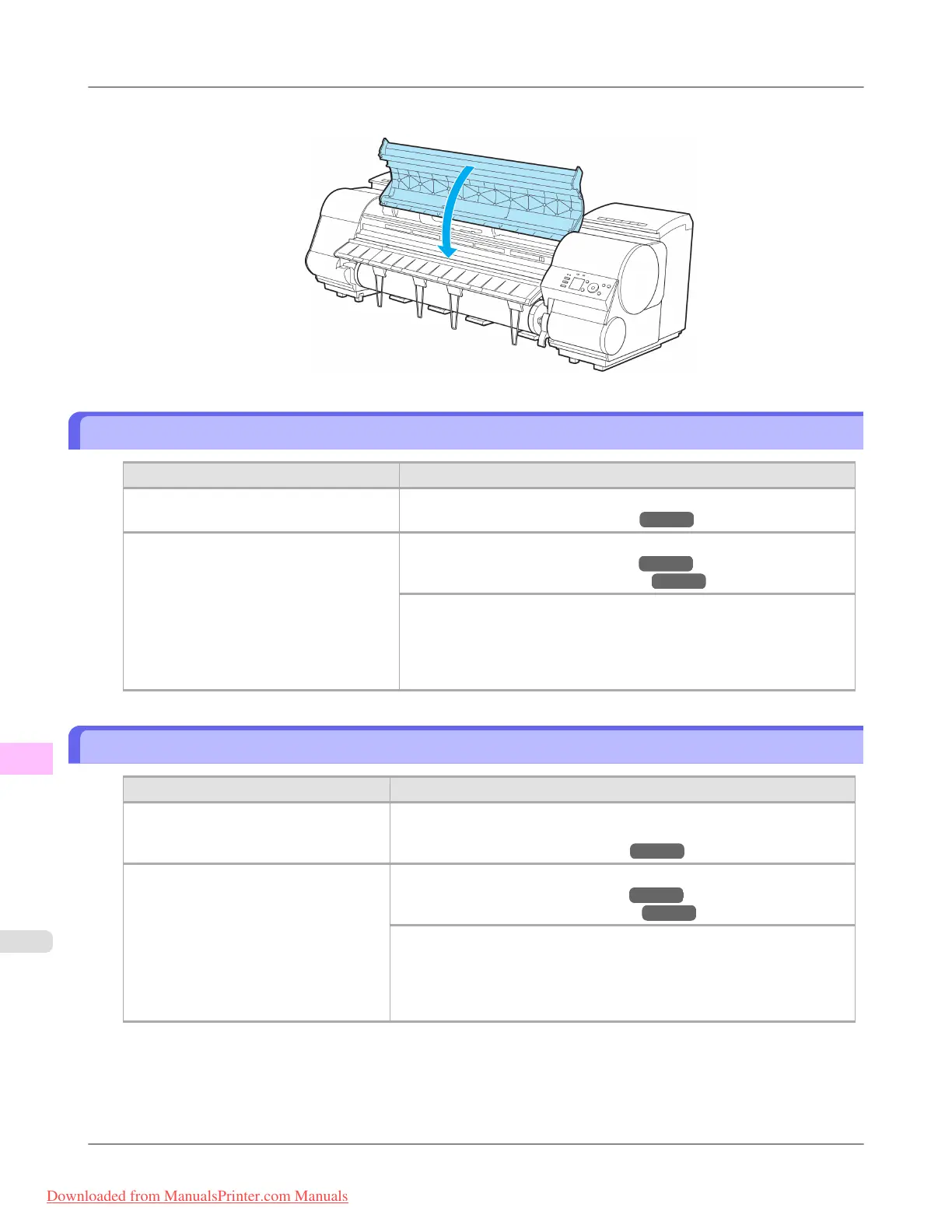
7. Close the Top Cover.
The contrast becomes uneven during printing
Cause Corrective Action
The paper feed amount is out of adjust-
ment.
Adjust the feed amount.
(See "Adjusting the Feed Amount.") →P.845
The type of paper specified in the printer
driver does not match the type loaded in
the printer.
Load paper of the same type as you have specified in the printer driver.
(See "Loading Rolls in the Printer.") →P.777
(See "Loading Sheets in the Printer.") →P.802
Make sure the same type of paper is specified in the printer driver as you
have loaded in the printer.
1. Press the Stop button and stop printing.
2. Change the type of paper in the printer driver and try printing again.
The length of printed images is inaccurate in the feeding direction
Cause Corrective Action
In the Control Panel menu, Adj. Priority
is set to Print Quality.
Set Adj. Priority to Print Length in the Control Panel menu, and then ex-
ecute Adjust Length.
(See "Adjusting the Feed Amount.") →P.845
The type of paper specified in the printer
driver does not match the type loaded in
the printer.
Load paper of the same type as you have specified in the printer driver.
(See "Loading Rolls in the Printer.") →P.777
(See "Loading Sheets in the Printer.") →P.802
Make sure the same type of paper is specified in the printer driver as you
have loaded in the printer.
1. Press the Stop button and stop printing.
2. Change the type of paper in the printer driver and try printing again.
Troubleshooting
>
Problems with the printing quality
>
The contrast becomes uneven during printing iPF8300
12
1066
Downloaded from ManualsPrinter.com Manuals














 To Next Page