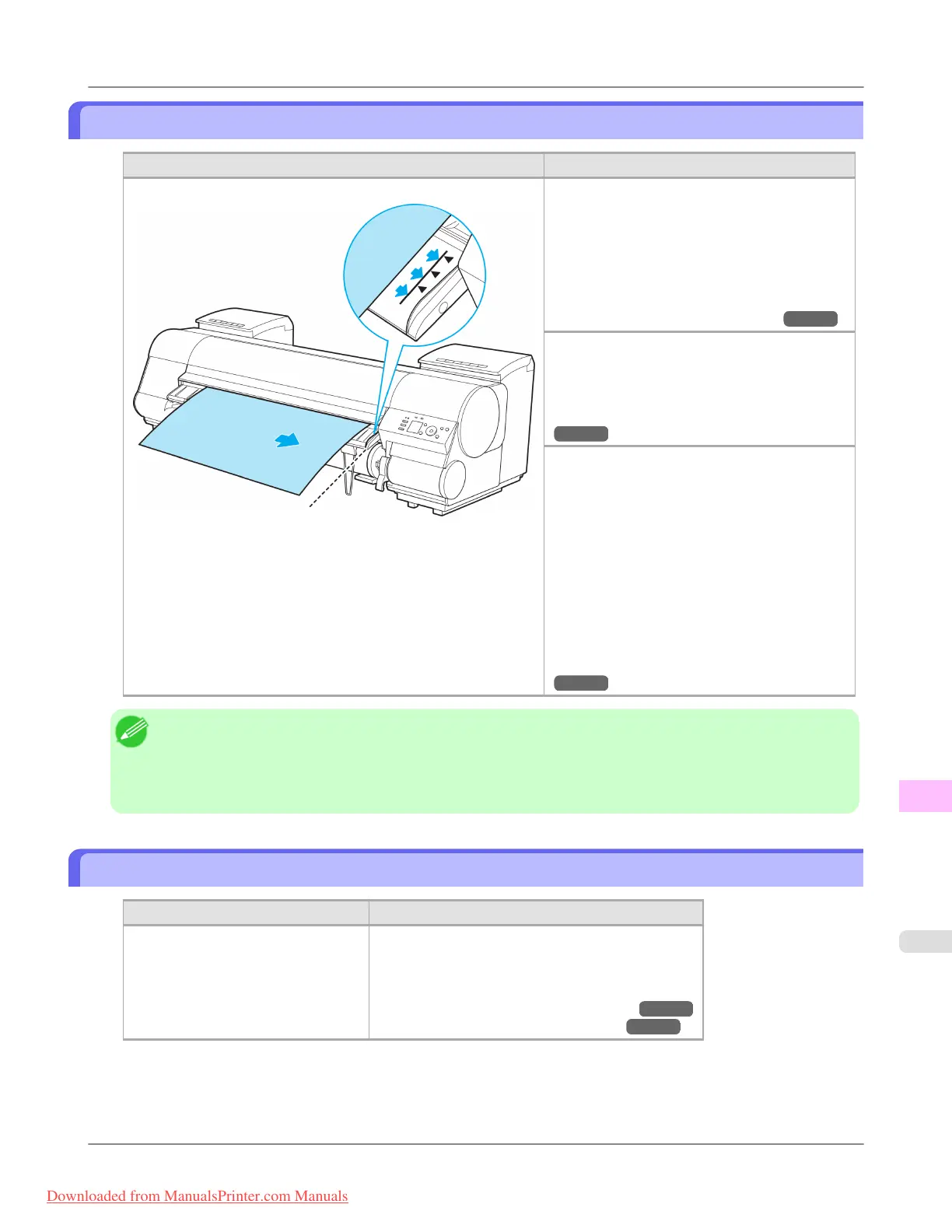
Paper loaded askew.
Cause Corrective Action
Paper loaded crooked was detected when the paper was advanced. Follow these steps to reload the roll.
1. Lift the Release Lever.
2. Adjust the right edge of the roll to make it
parallel to the orange Paper Alignment Line.
3. Lower the Release Lever.
(See "Loading Rolls in the Printer.") →P.777
If this error recurs after you reload the roll, re-
move the Roll Holder from the printer, push the
roll firmly in until it touches the Roll Holder
flange, and reload the Roll Holder in the printer.
(See "Attaching the Roll Holder to Rolls.")
→P.774
Follow these steps to reload the sheet.
1. Lift the Release Lever.
2. Pull out the sheet.
3. Lower the Release Lever.
4. Adjust the right edge of the sheet to make it
parallel to the right Paper Alignment Line and
the trailing edge of the sheet to make it paral-
lel to the paper alignment line under the Pa-
per Retainer.
(See "Loading Sheets in the Printer.")
→P.802
Note
• To disable this message (if it is displayed repeatedly despite reloading paper, for example), choose Off or
Loose in the Skew Check Lv. setting of the printer menu. However, this may cause jams and printing prob-
lems because paper may be askew when printed. Also, the Platen may become soiled, which may soil the
back of the next document when it is printed.
Cannot detect papr
Cause Corrective Action
The printer could not detect the paper. Reload the paper as follows.
1. Press the OK button and remove the paper.
2. Reload the paper.
(See "Loading Sheets in the Printer.") →P.802
(See "Loading Rolls in the Printer.") →P.777
Error Message
>
Messages regarding paper
>
iPF8300 Paper loaded askew.
13
1089
Downloaded from ManualsPrinter.com Manuals














 To Next Page