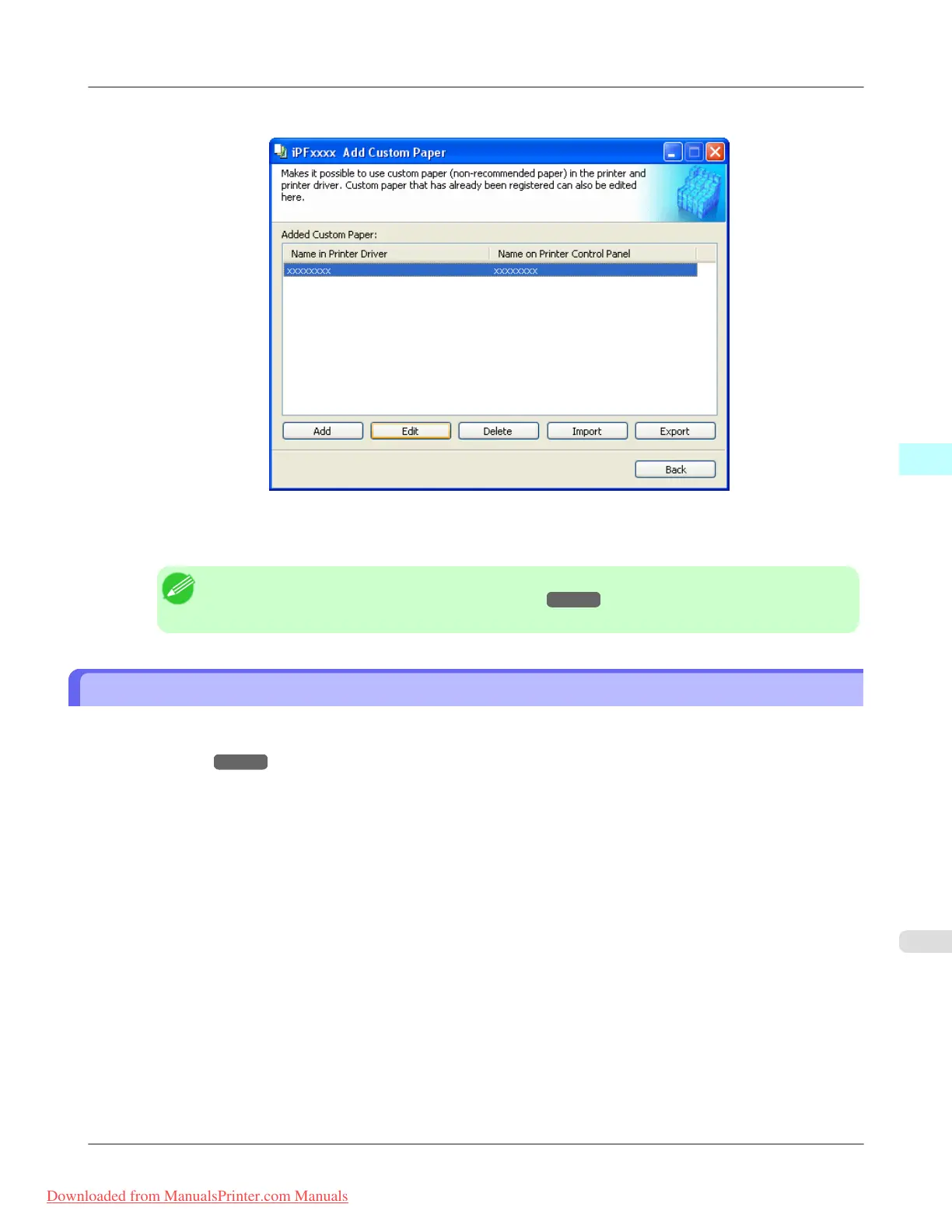
2. Select the paper you want to edit from the Added Custom Paper list and then click the Edit button.
3. The Update Media Types - Select Printer dialog box is displayed.
Follow the on-screen directions and change the settings as required.
Note
• Refer to Steps 5 to 15 of the "Add Custom Paper →P.460 " for details on how to configure each
setting.
Export Custom Media Information
You can export to file and save media information about custom paper that you have added.
The saved Custom Media Information File can be used by importing it into another printer or PC. Refer to "Import Custom
Media Information →P.472 " for details on "importing custom media information".
1. Open the Add Custom Paper dialog box.
Windows Software
>
Media Configuration Tool
>
iPF8300 Export Custom Media Information
4
471
Downloaded from ManualsPrinter.com Manuals














 To Next Page