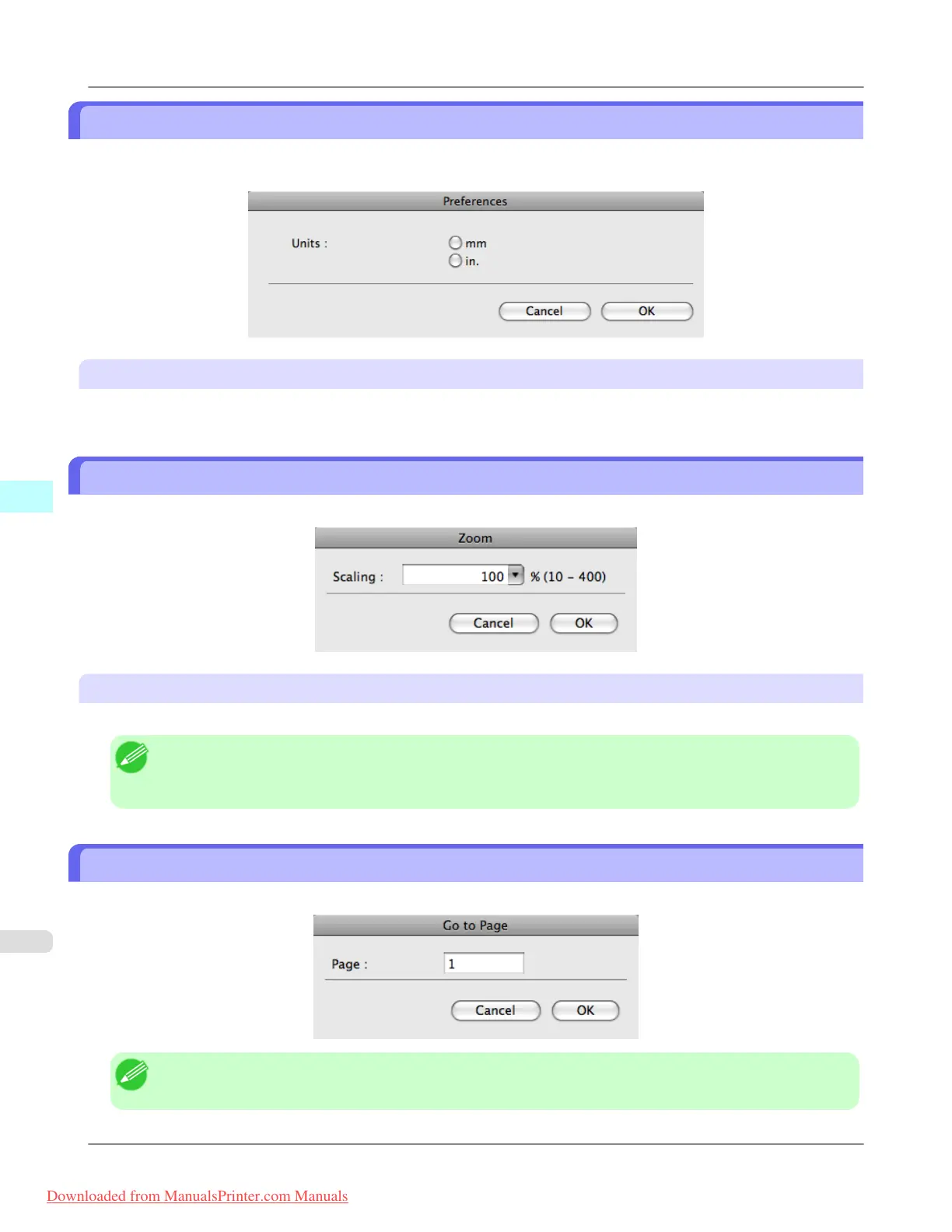
Preferences Dialog Box
This dialog box appears when you select Preferences from the imagePROGRAF Advanced Preview menu. You can set
the preferences for Preview.
Units
Set the unit for paper length, margins, and so on.
Zoom Dialog Box
This dialog box appears when you select Zoom from the View menu. You can enlarge or reduce the screen display.
Scaling
Set the magnification for enlargement or reduction of the screen display.
Note
• You can input between 10 and 400.
• You can change the numbers by clicking ▼ button.
Go to Page Dialog Box
This dialog box appears when you select Go to Page from the View menu.
Note
• You can not select Go to Page if the document is only one page.
Mac OS X Software
>
Preview
>
Preferences Dialog Box iPF8300
5
534
Downloaded from ManualsPrinter.com Manuals














 To Next Page