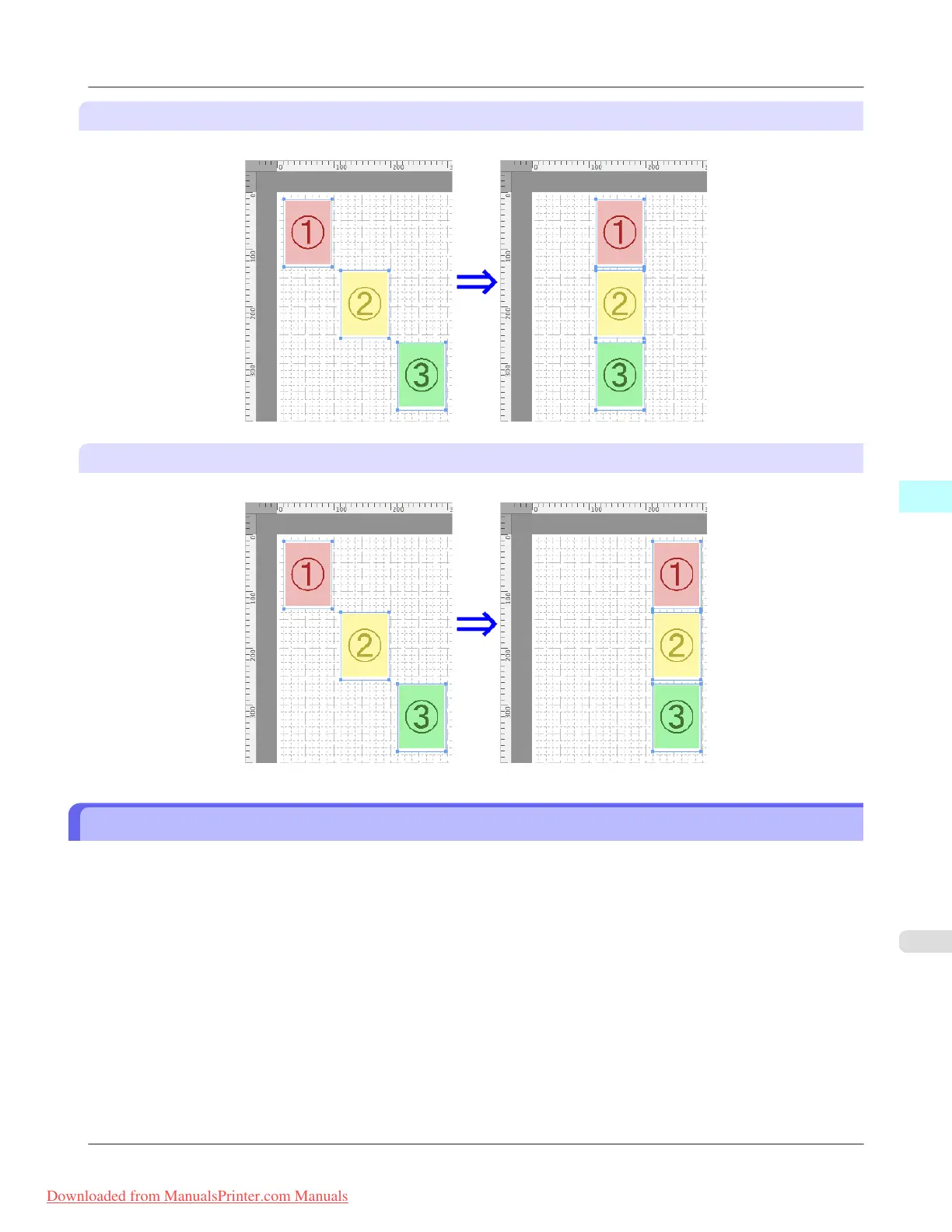
Center Horizontally
Lays out the objects, justifying them to the horizontal center.
Align Right
Lays out the objects, justifying them to the right.
Changing the Object Overlapping Order
You can change the object overlapping order.
1. Select an object.
2. Select the overlapping order menu from the Object menu.
Mac OS X Software
>
Free Layout
>
iPF8300 Changing the Object Overlapping Order
5
573
Downloaded from ManualsPrinter.com Manuals














 To Next Page