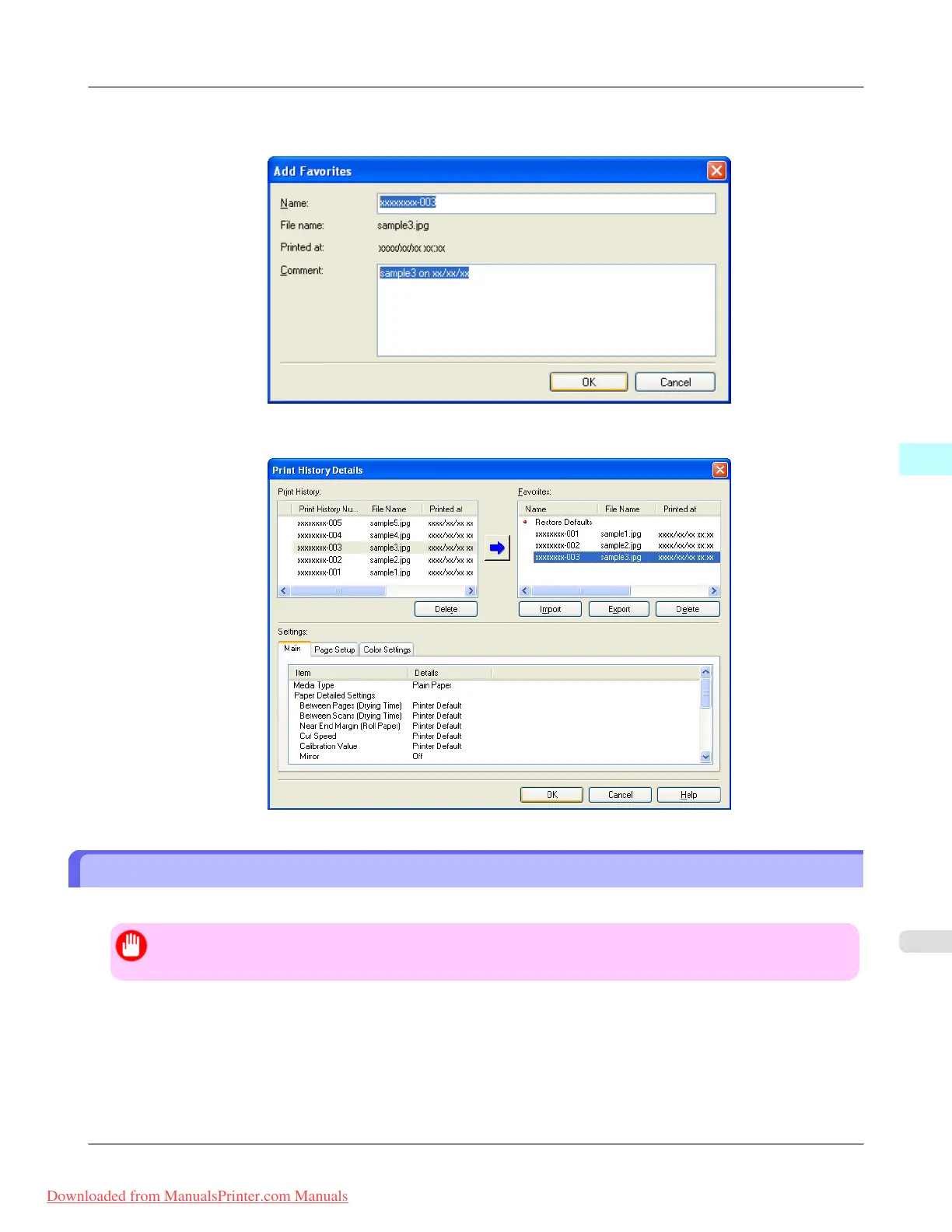
5. In the Add Favorites dialog box input the name of the print history in Name, input a comment in Comment, and
click the OK button.
6. Click the OK button to close the Print History Details dialog box.
Delete Print History
You can delete print history.
Important
• Be aware that you cannot undo deletions of print history.
Windows Software
>
Print Plug-In for Photoshop/Digital Photo Professional
>
iPF8300 Delete Print History
4
357
Downloaded from ManualsPrinter.com Manuals














 To Next Page