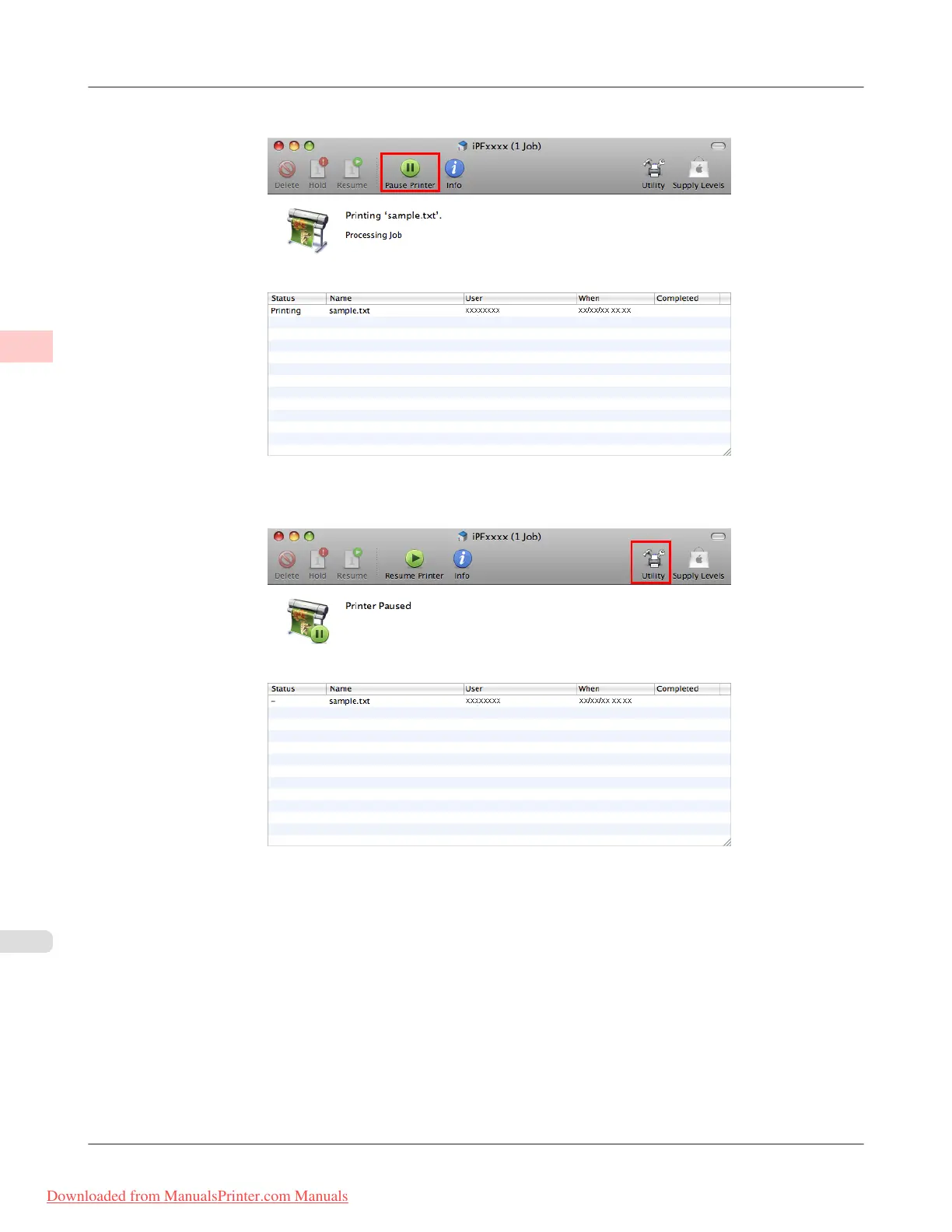
2. Click Pause Printer to stop printing.
3. If there are no jobs in the printer window that can be canceled, (that is, if the print data has already been sent to the
printer), click Utility to display imagePROGRAF Printmonitor.
Basic Printing Workflow
>
Canceling print jobs
>
Canceling Print Jobs from Mac OS X iPF8300
1
14
Downloaded from ManualsPrinter.com Manuals














 To Next Page