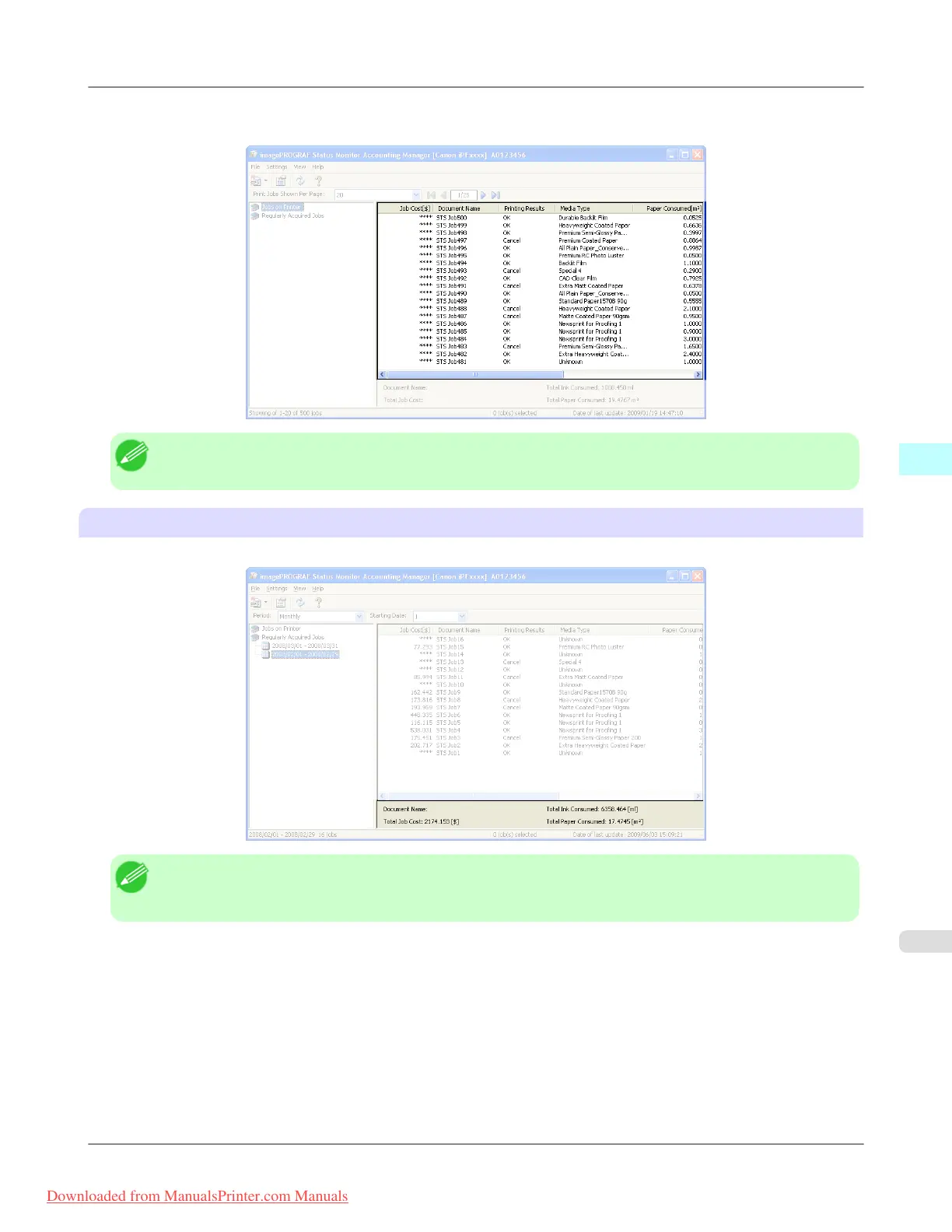
It displays a list of either the print jobs on the printers or the regularly acquired print jobs. The displayed information in-
cludes the amounts of paper and ink consumed, the costs, the media type and the time taken for printing.
Note
• If the Unit Cost of Ink or Paper have not been set, **** is displayed in the Job Cost field.
Totals Area
Displays the total costs for the selected job and the amounts of paper and ink consumed.
Note
• If you are viewing regularly acquired print jobs, selecting a period on the left side of the window displays the
total costs for that period and the amounts of paper and ink consumed.
Windows Software
>
Accounting
>
iPF8300 Accounting Manager Main Window
4
425
Downloaded from ManualsPrinter.com Manuals














 To Next Page