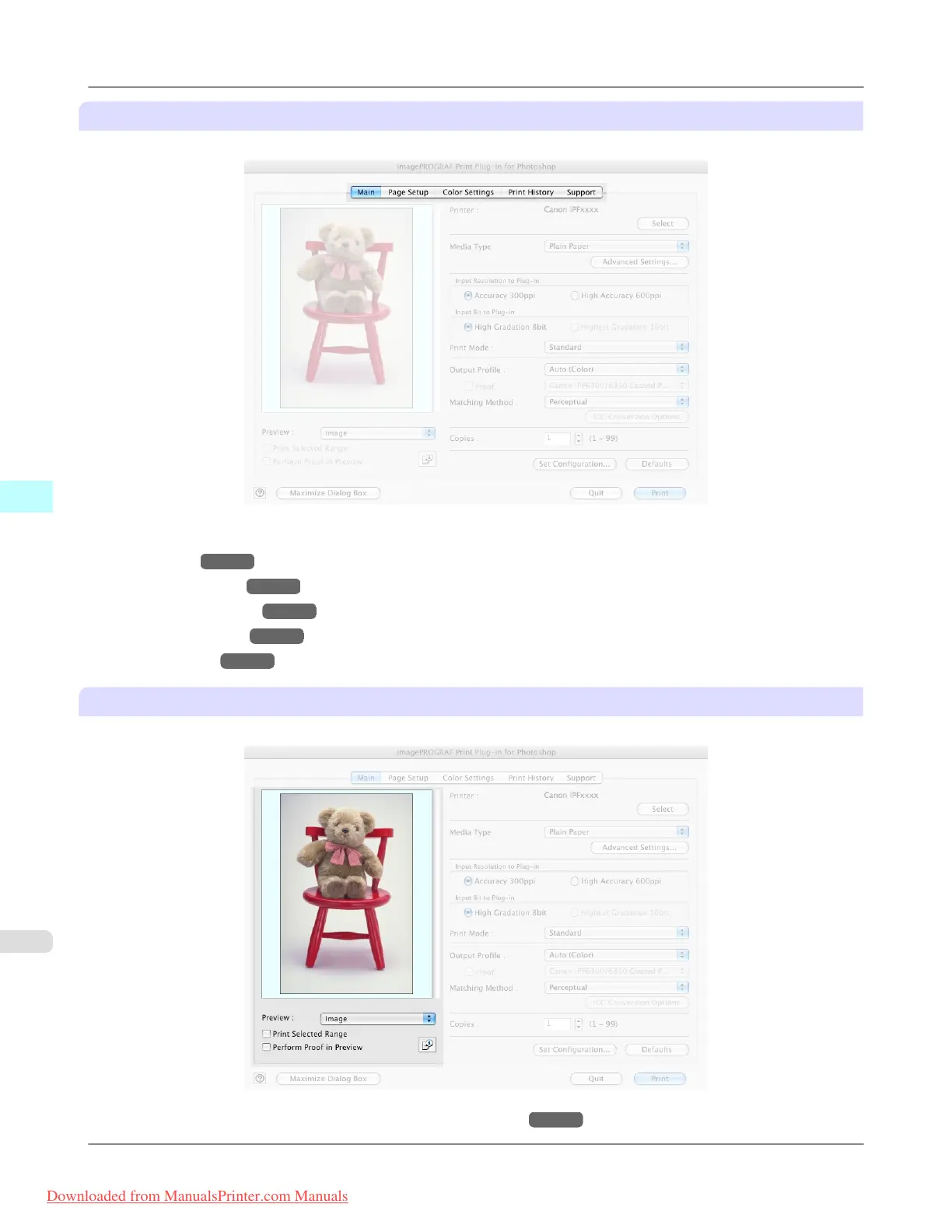
Sheet Selection Area
The tabs used to switch between each sheet on the Print Plug-In window are displayed.
When you select a tab, a sheet is displayed. The settings available on each sheet are as follows.
• Main Sheet →P.613
• Page Setup Sheet →P.617
• Color Settings Sheet →P.620
• Print History Sheet →P.621
• Support Sheet →P.623
Preview Area
You can check the settings you made on the image in this area.
About the settings available on the preview area, see "Preview Area." →P.612
Mac OS X Software
>
Print Plug-In for Photoshop/Digital Photo Professional
>
Print Plug-In Main Window iPF8300
5
610
Downloaded from ManualsPrinter.com Manuals














 To Next Page