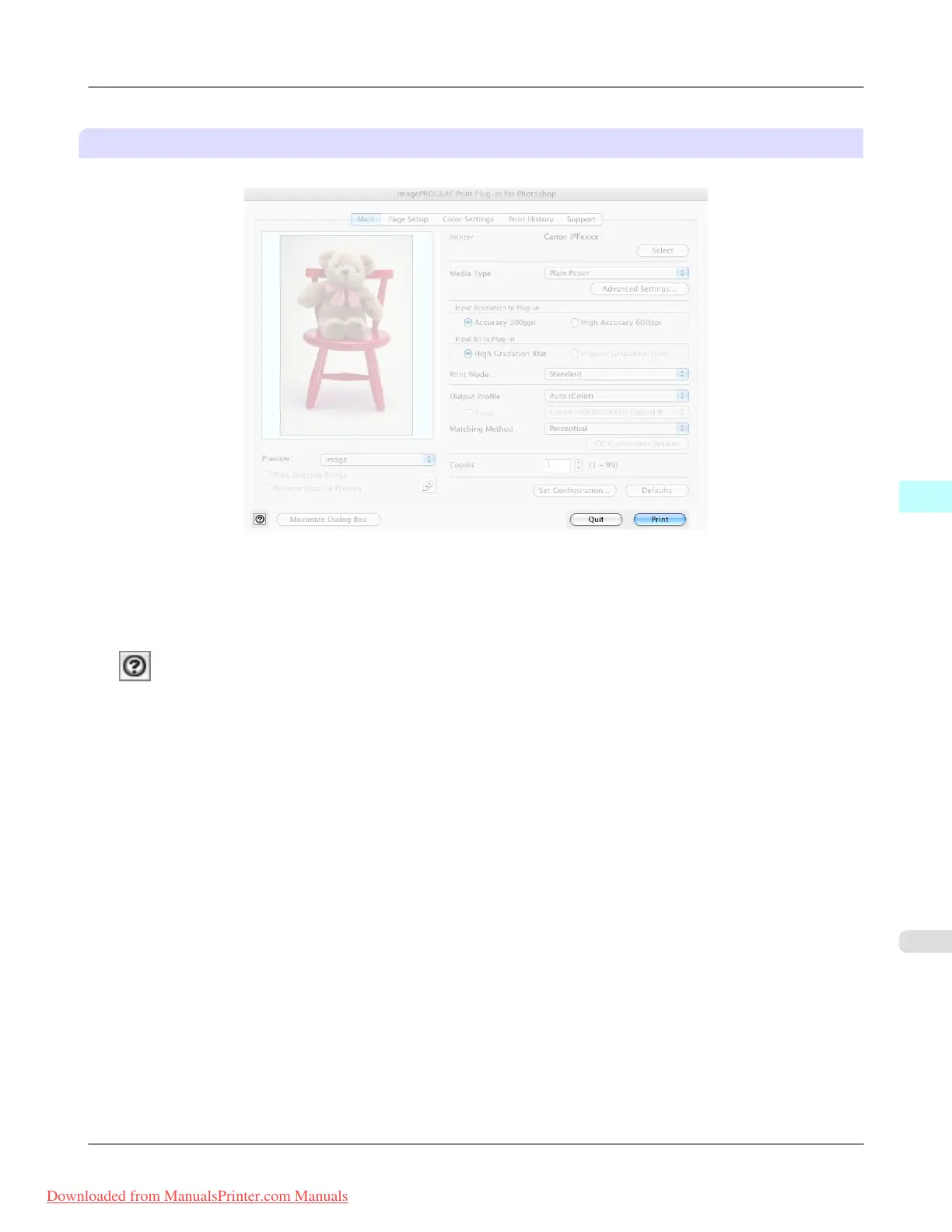
Button Area
This contains the buttons Print, Quit and Help
• PrintButton
Click this button to begin printing.
• QuitButton
Click this button to close the Print Plug-In window and return to application software.
• Button
Click this button to display the Print Plug-In Help file.
Mac OS X Software
>
Print Plug-In for Photoshop/Digital Photo Professional
>
iPF8300 Print Plug-In Main Window
5
611
Downloaded from ManualsPrinter.com Manuals














 To Next Page