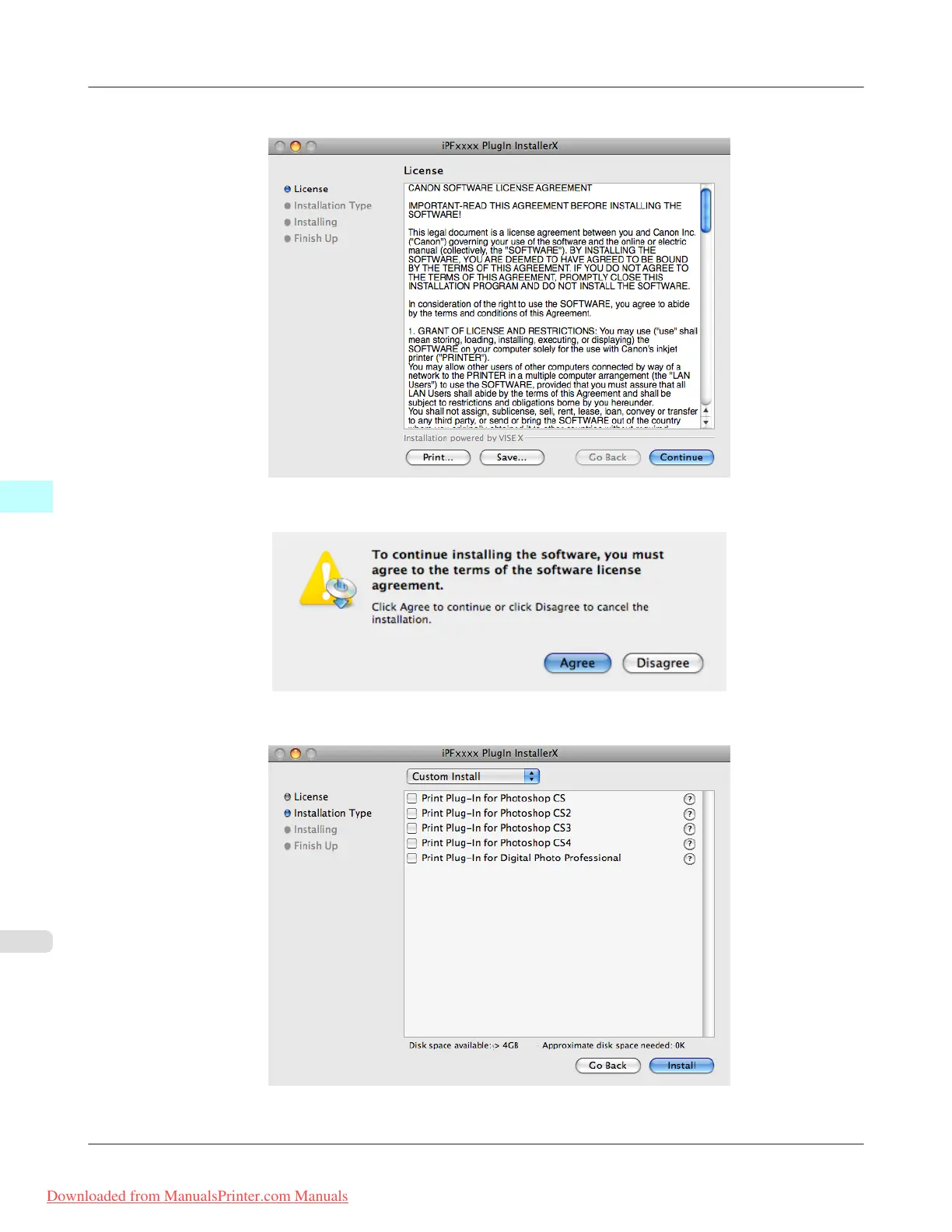
4. After you have read the software User's Licensing Agreement, click the Continue button.
5. Click the Agree button.
6. Select Custom Install to put a checkmark on your Print Plug-In, then click the Install button.
Mac OS X Software
>
Print Plug-In for Photoshop/Digital Photo Professional
>
Installation Procedures iPF8300
5
604
Downloaded from ManualsPrinter.com Manuals














 To Next Page