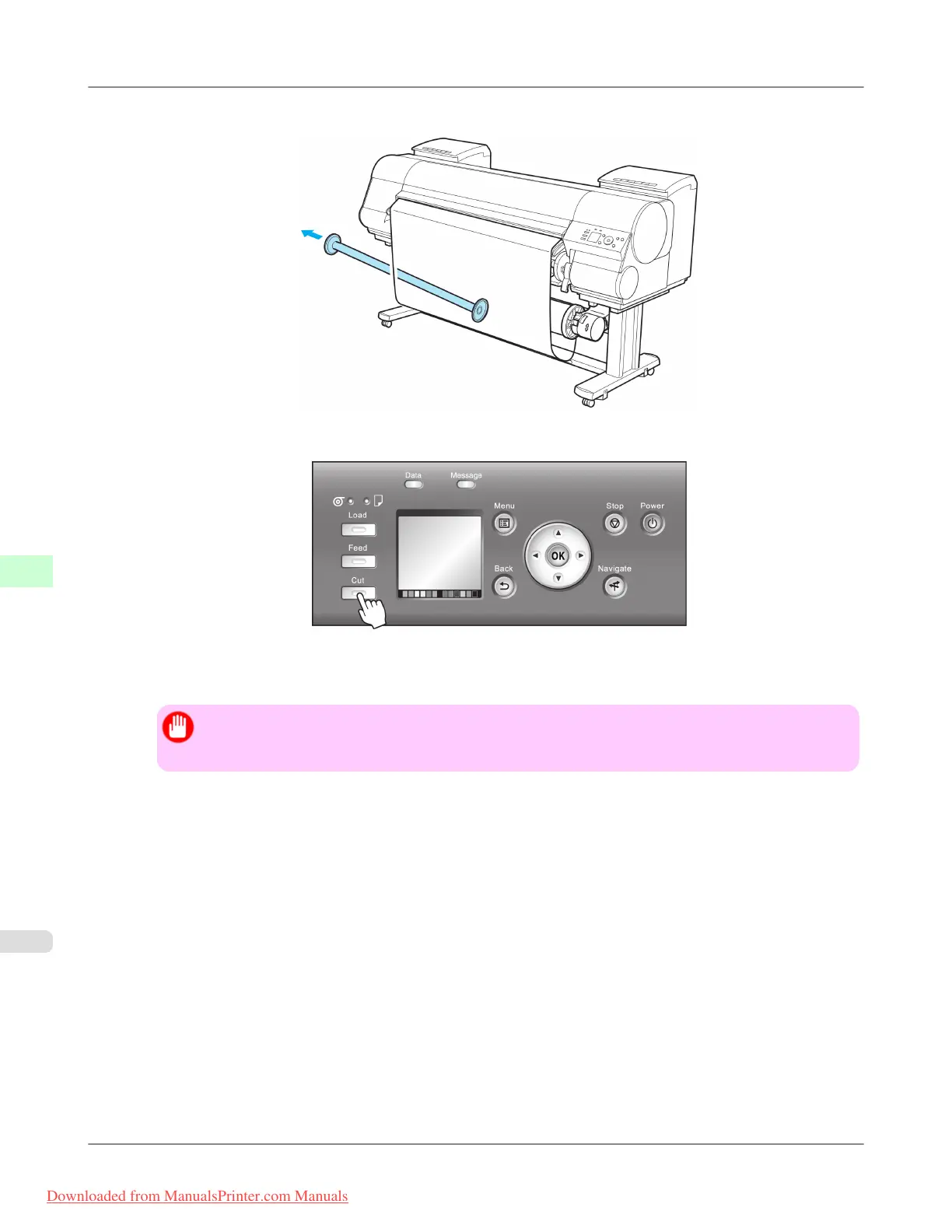
3. Remove the Weight Roll from the roll paper.
4. Press the Cut button.
5. Press ▲ or ▼ to select Yes. As you hold the trailing edge of the printed document, press the OK button.
The roll is now cut.
Important
• Always hold the trailing edge of printed documents when cutting rolls. If you do not hold the docu-
ments, they may fall on the floor and the printed surface may become soiled.
Handling Paper
>
Media take-up unit
>
Removing Printed Documents from the Media Take-up Unit (Optional) iPF8300
7
832
Downloaded from ManualsPrinter.com Manuals














 To Next Page