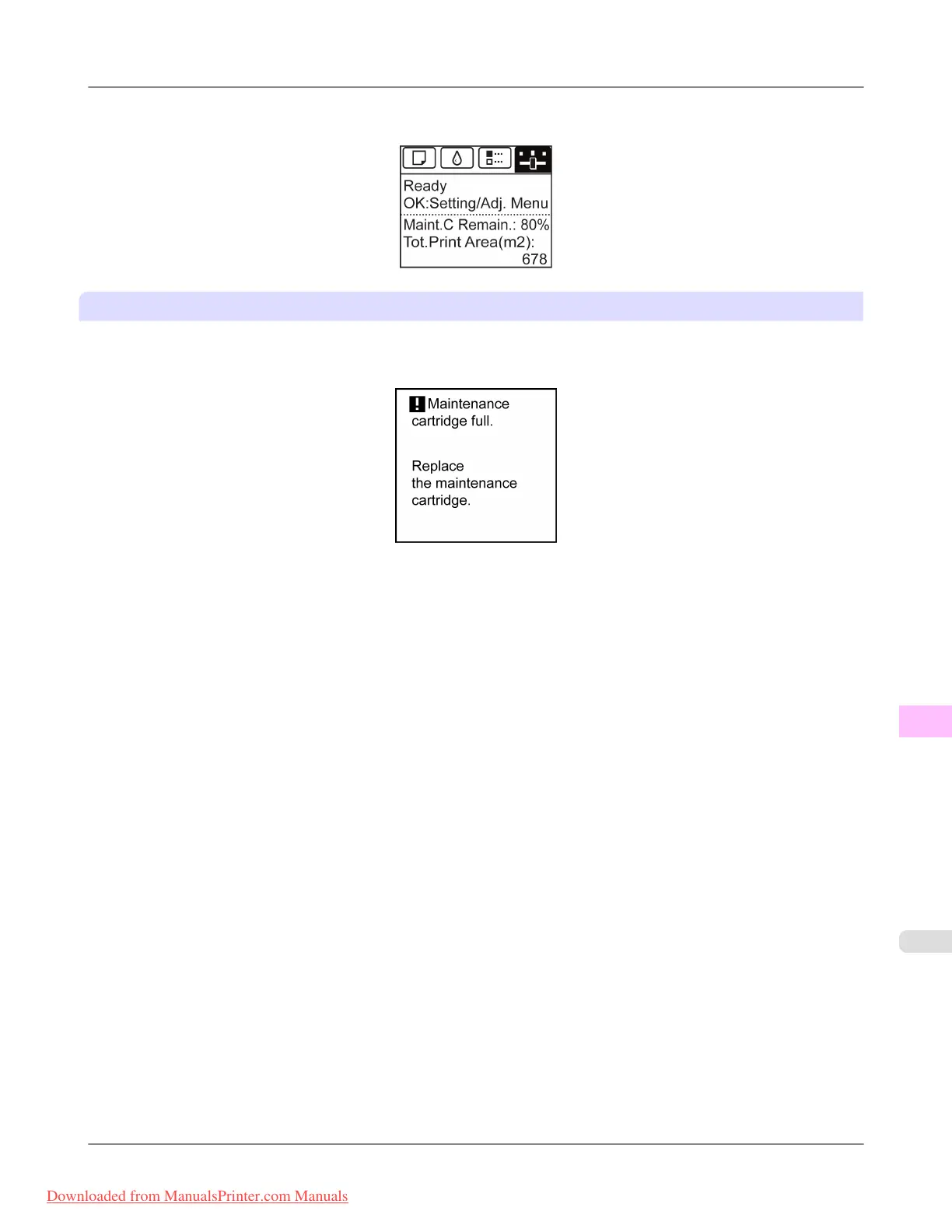
Check the remaining Maintenance Cartridge capacity before this maintenance and replace the Maintenance Cartridge if nec-
essary.
If a message for the Maintenance Cartridge replacement is shown on the Display Screen
When the Maintenance Cartridge is full, the Message Lamp flashes and a message to replace the Maintenance Cartridge is
shown on the Display Screen. Printing is disabled, and you cannot replace the Printhead or transfer the printer. Replace the
Maintenance Cartridge with a new one.
Maintenance
>
Maintenance Cartridge
>
iPF8300 When to Replace the Maintenance Cartridge
11
1025
Downloaded from ManualsPrinter.com Manuals














 To Next Page